
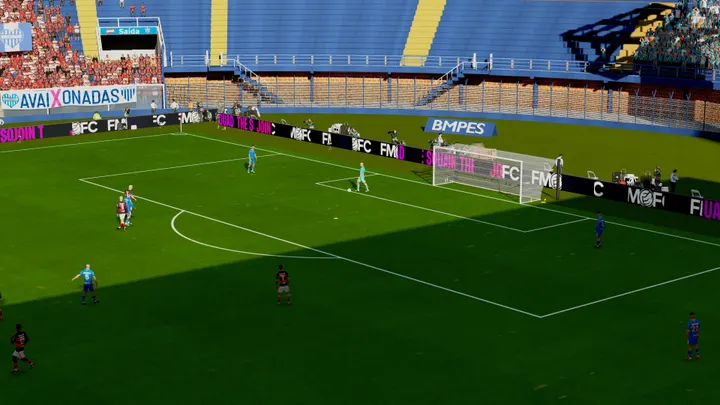
Estádio da Ressacada
Avaí
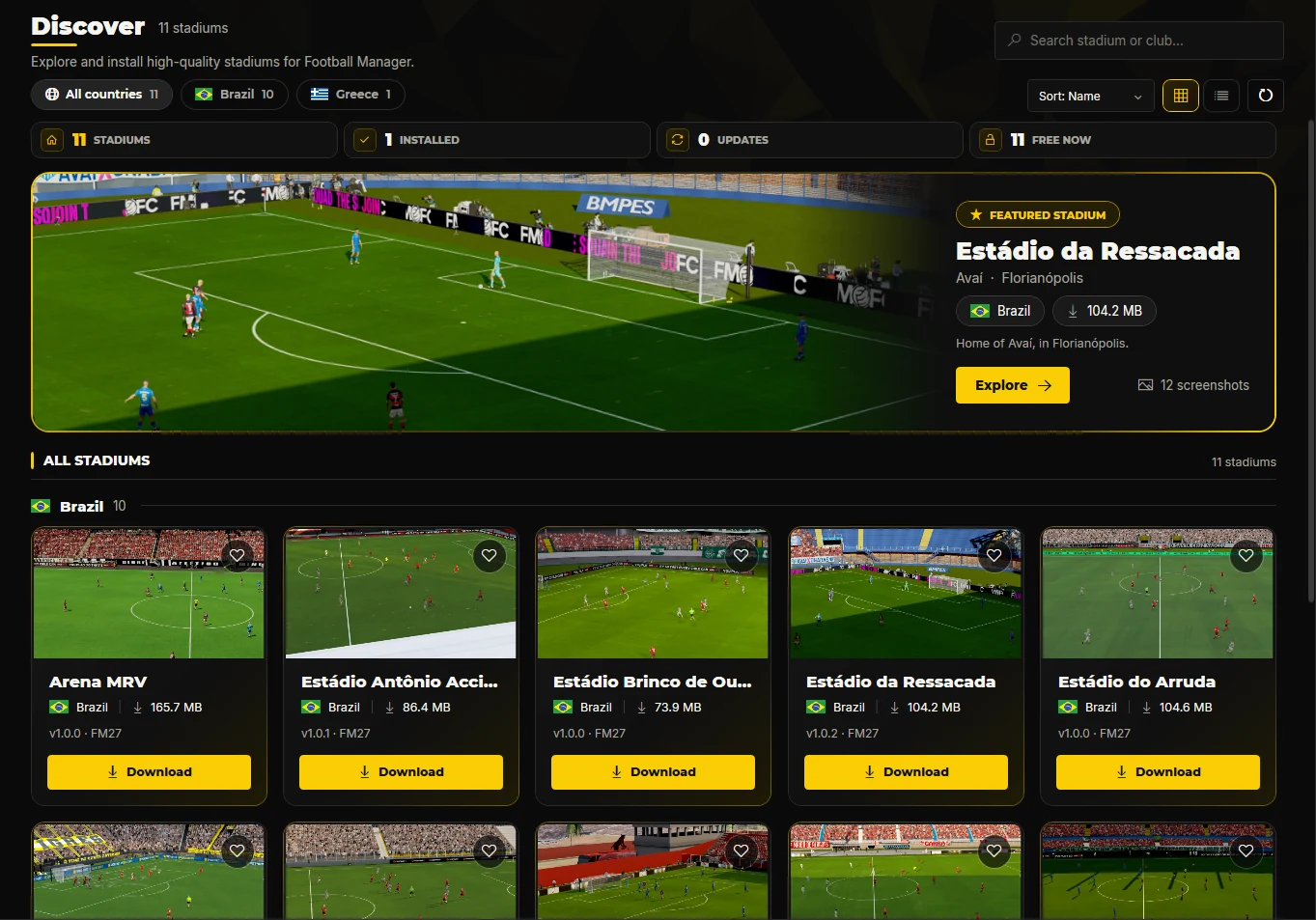
FM Tigrotto Stadiums lists the stadiums converted for Football Manager 27, installs them for you and keeps them up to date. Then you choose which clubs play in each one.
Free · Windows 10 and 11 · about 5 MB · Needs .NET Desktop Runtime 10 and BepInEx 6
Every stadium below is in the app's catalogue today. New ones show up here and in the app.
Avaí
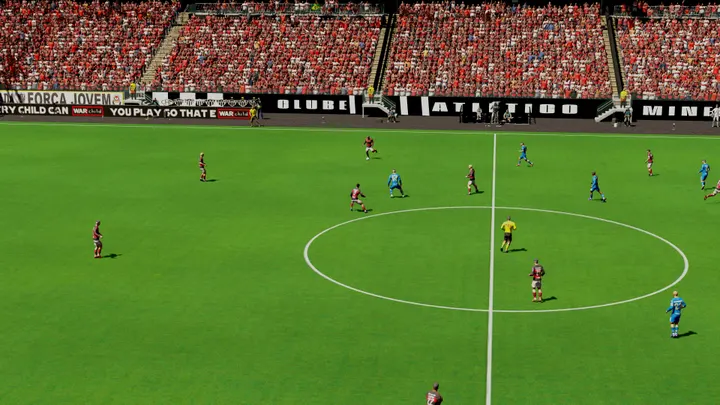
Atlético Mineiro
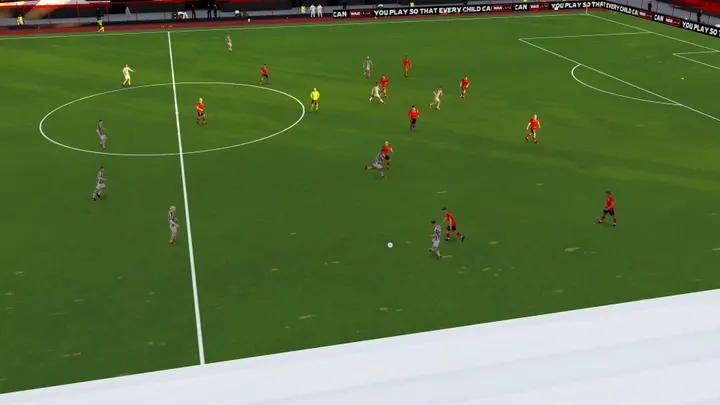
Atlético Goianiense
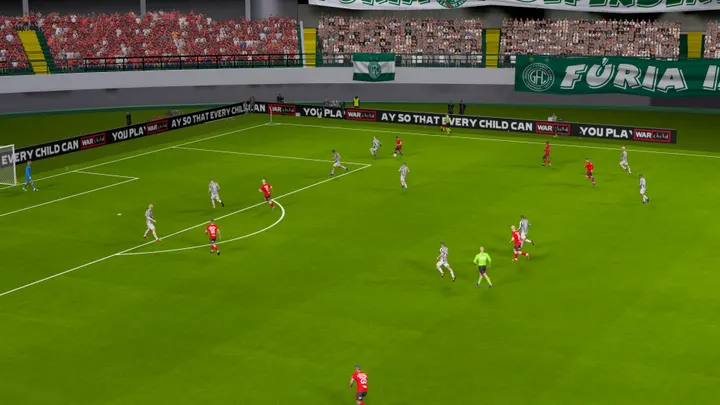
Guarani FC
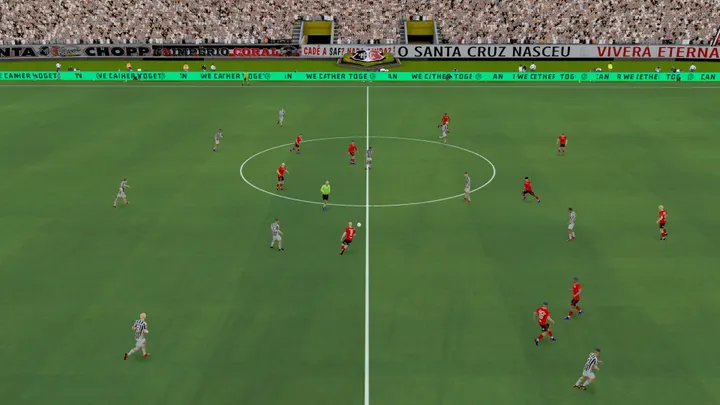
Santa Cruz
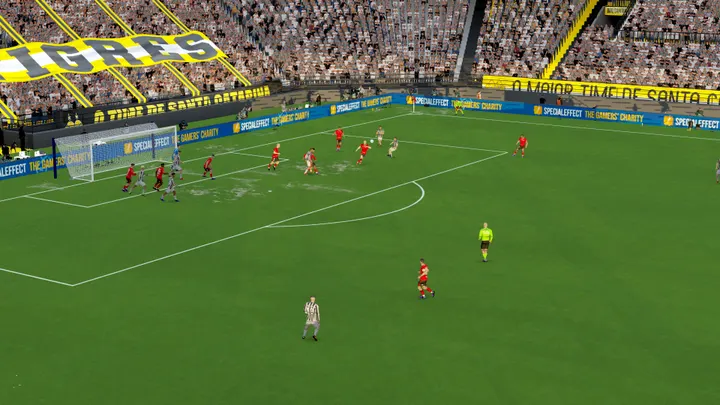
Criciúma
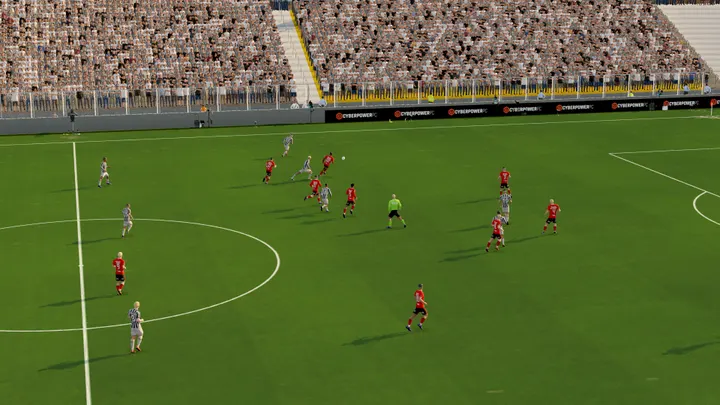
Grêmio Novorizontino
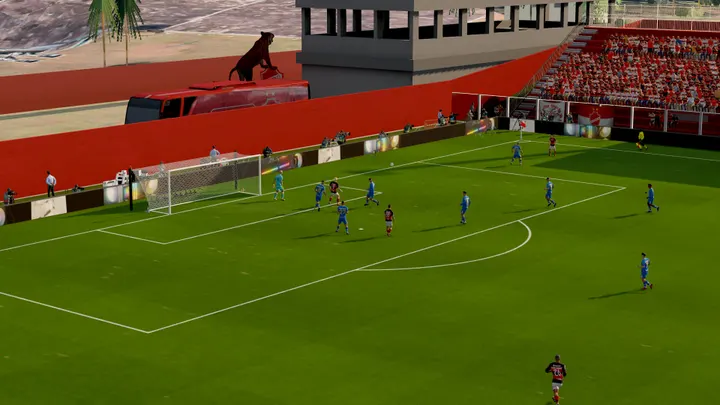
Vila Nova
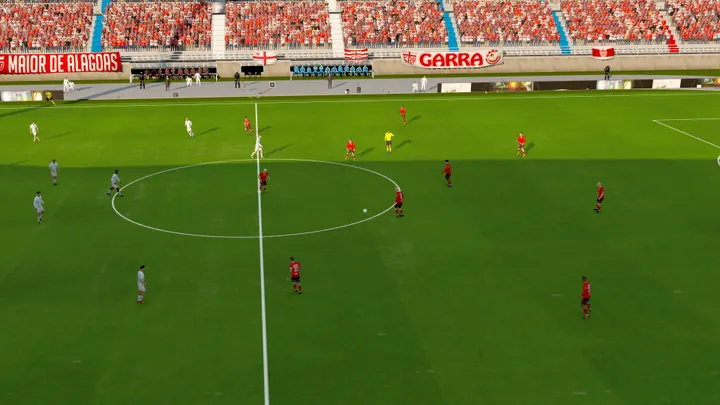
CRB
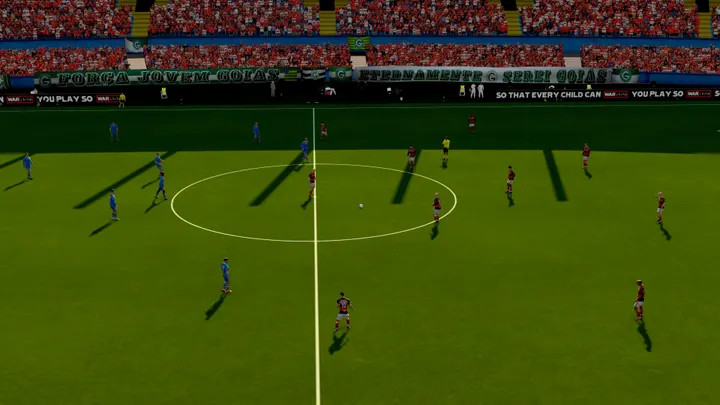
Goiás
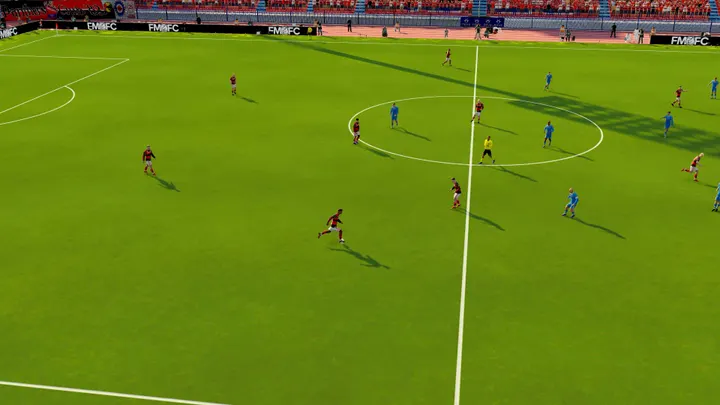
Panionios
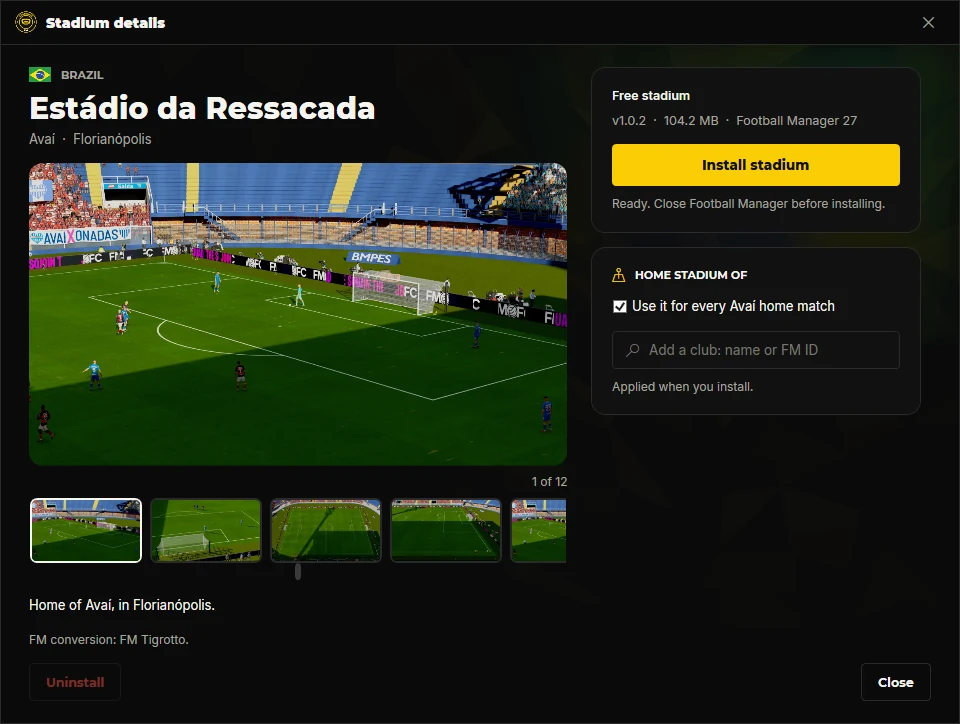
Open a stadium to see it in the game, with the club and the city. Like it? Press Install.
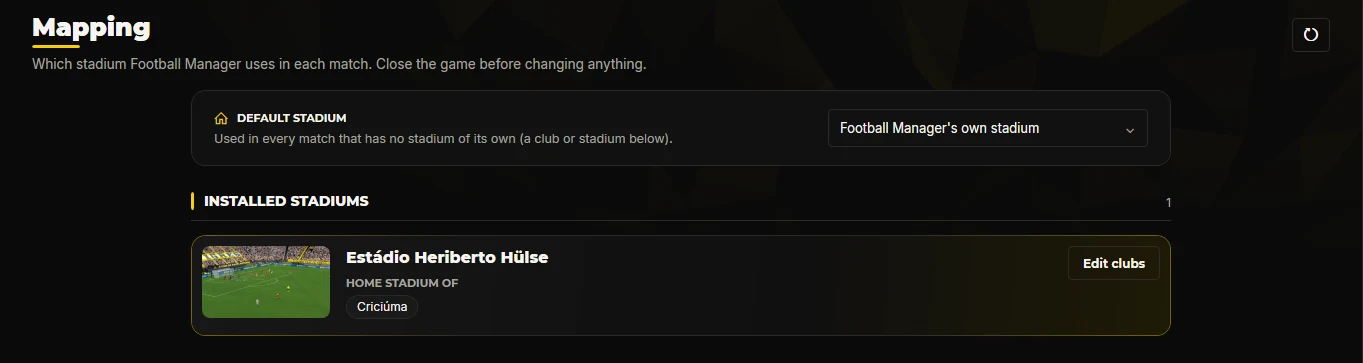
Each stadium comes with its home club. In the Mapping tab you choose which clubs use it, and the stadium for every other match.
The stadiums run inside the game through BepInEx 6. Step-by-step guide with video.
Download it and open it. It finds Football Manager 27 on its own. If Windows asks for .NET, see the requirements below.
Close Football Manager, press Install on a stadium and start the game. Its home club plays there from the next match.
Football Manager 27 on Windows, with BepInEx 6 installed.
No. If the FM Tigrotto Stadiums plugin is missing or out of date, the app installs it before the stadium. You only need BepInEx 6.
The app runs on Microsoft's .NET Desktop Runtime 10. Install the x64 version from Microsoft, then open the app again. You only do this once.
Uninstall the stadium from its page in the app, or choose Football Manager's own stadium in the Mapping tab.
Delete the .exe. Remove the stadiums from the app first if you no longer want them in the game.
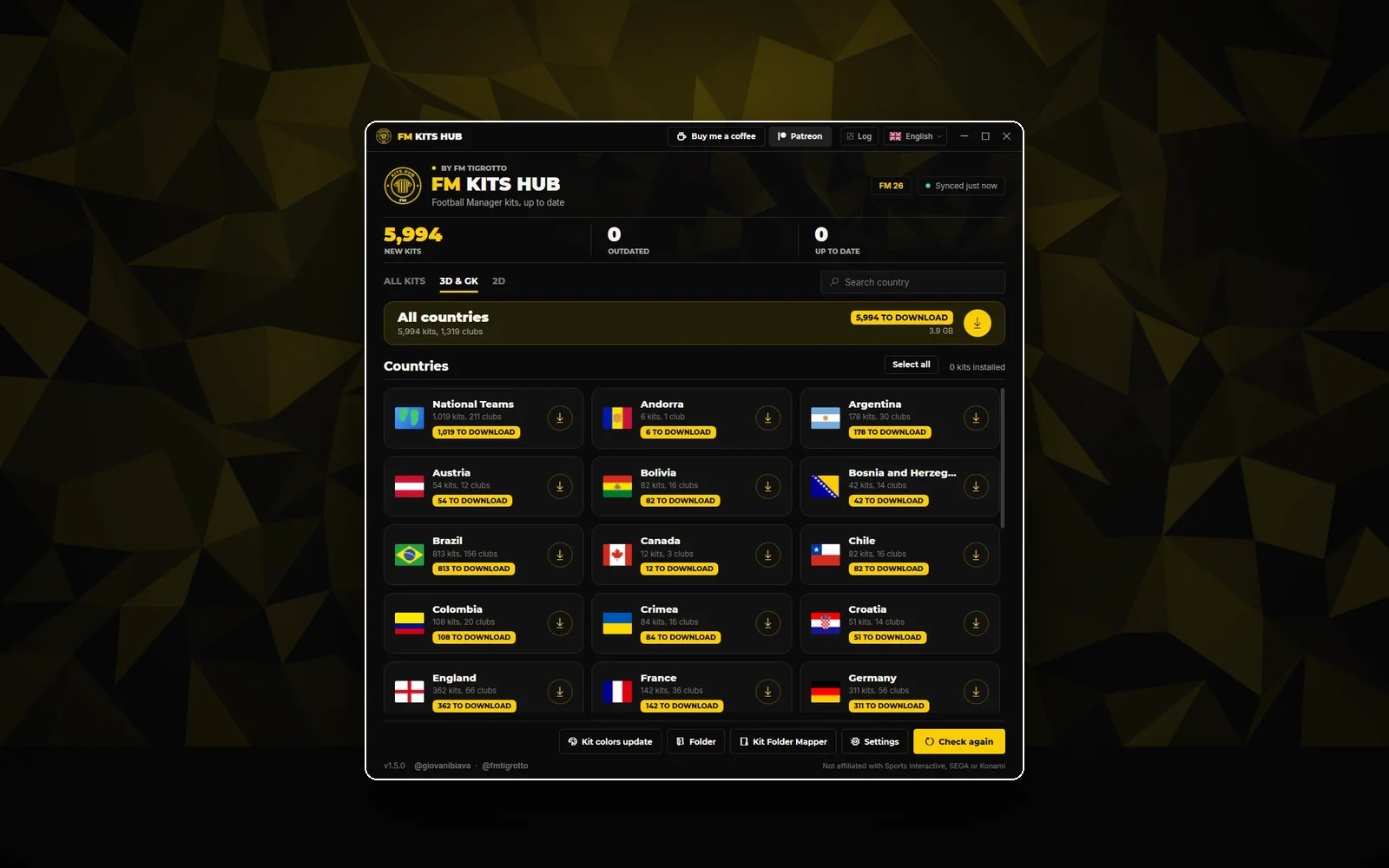 Desktop app
 v1.6.0
The kit catalogue on your desktop: 2026/27 kits from 39 countries, installed and kept up to date in one click.
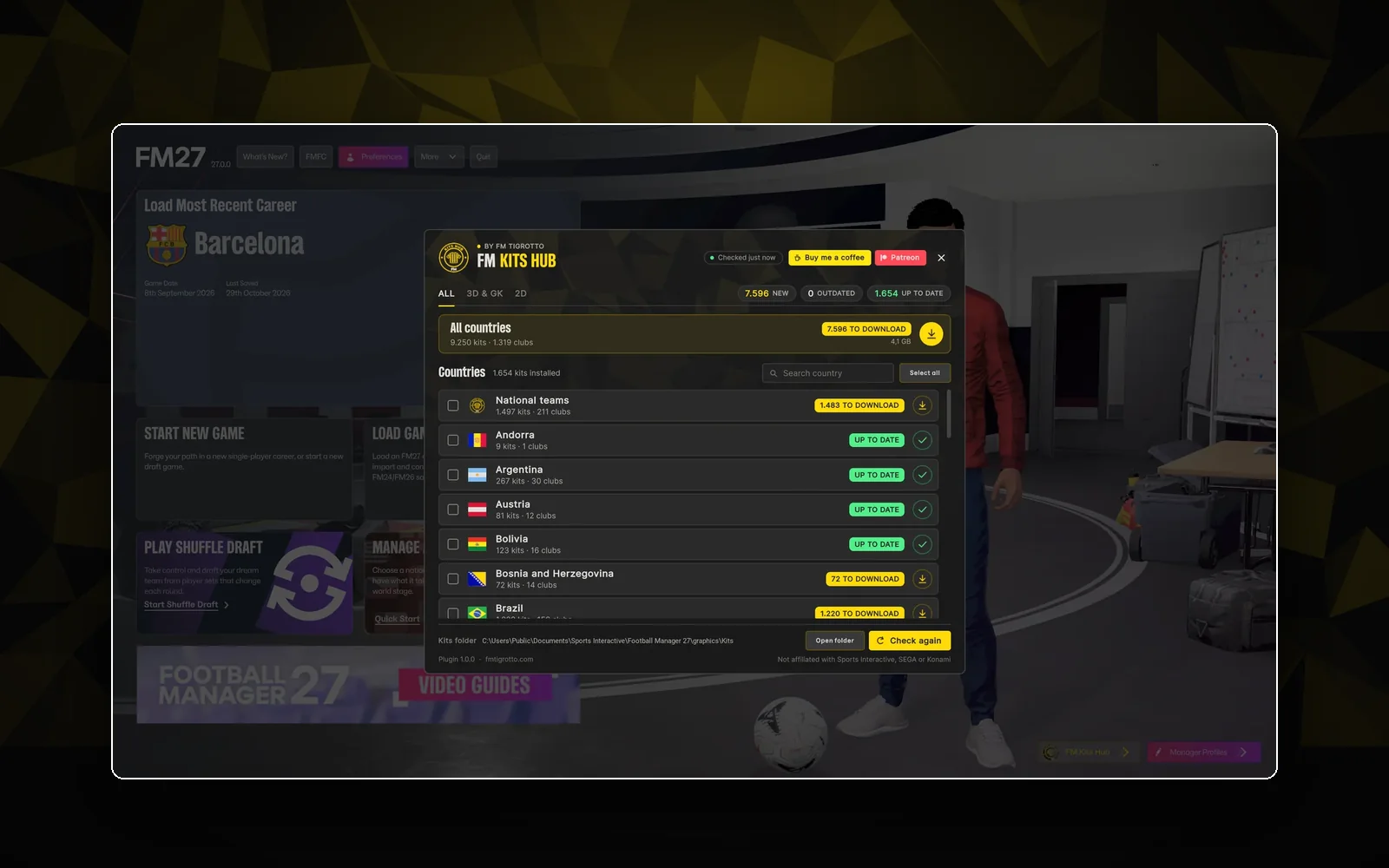 In-game plugin
 v1.1.1
A Kits Hub window on the main screen and a download box on every club, league, country and national team. 3D, 2D or both.
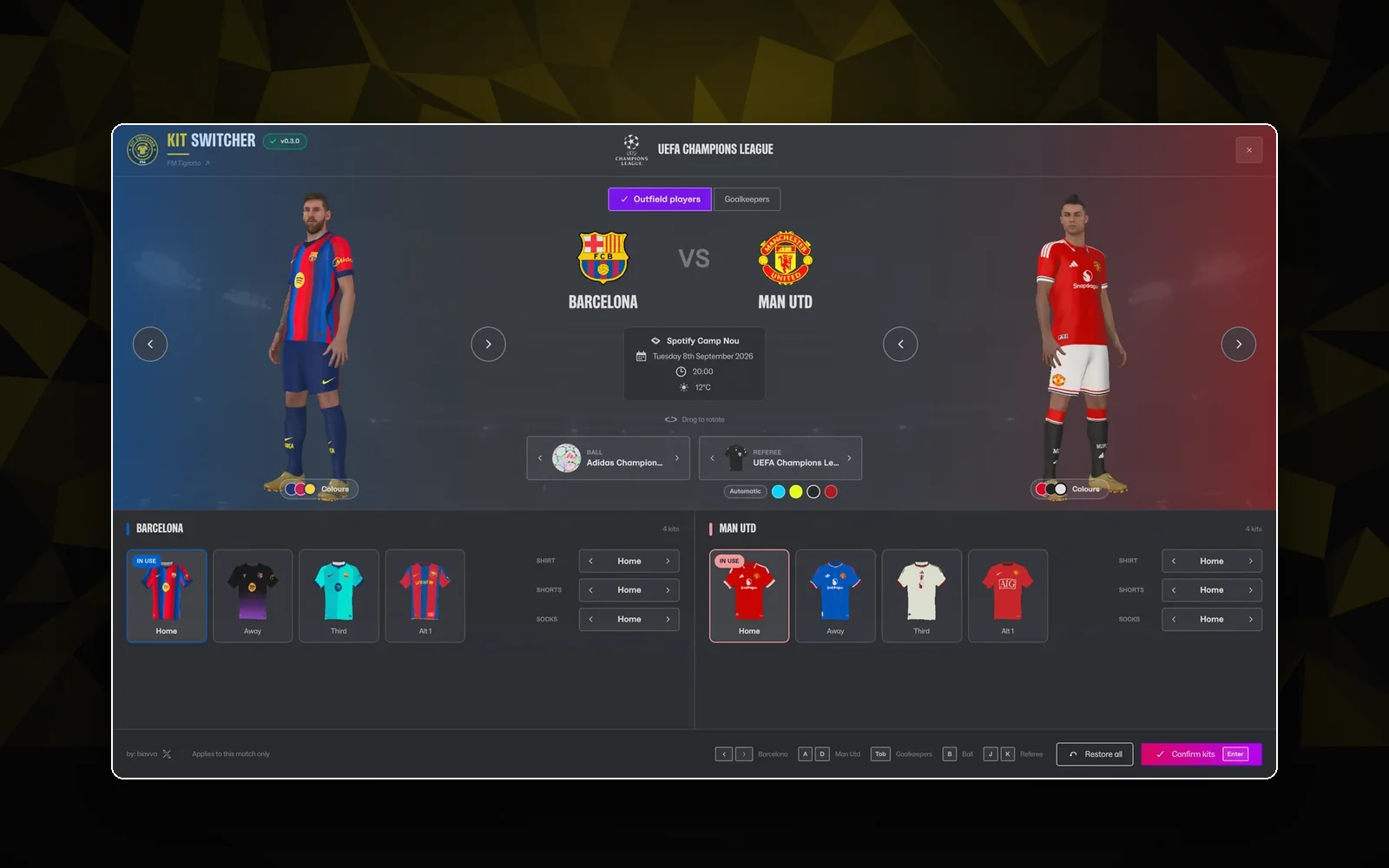
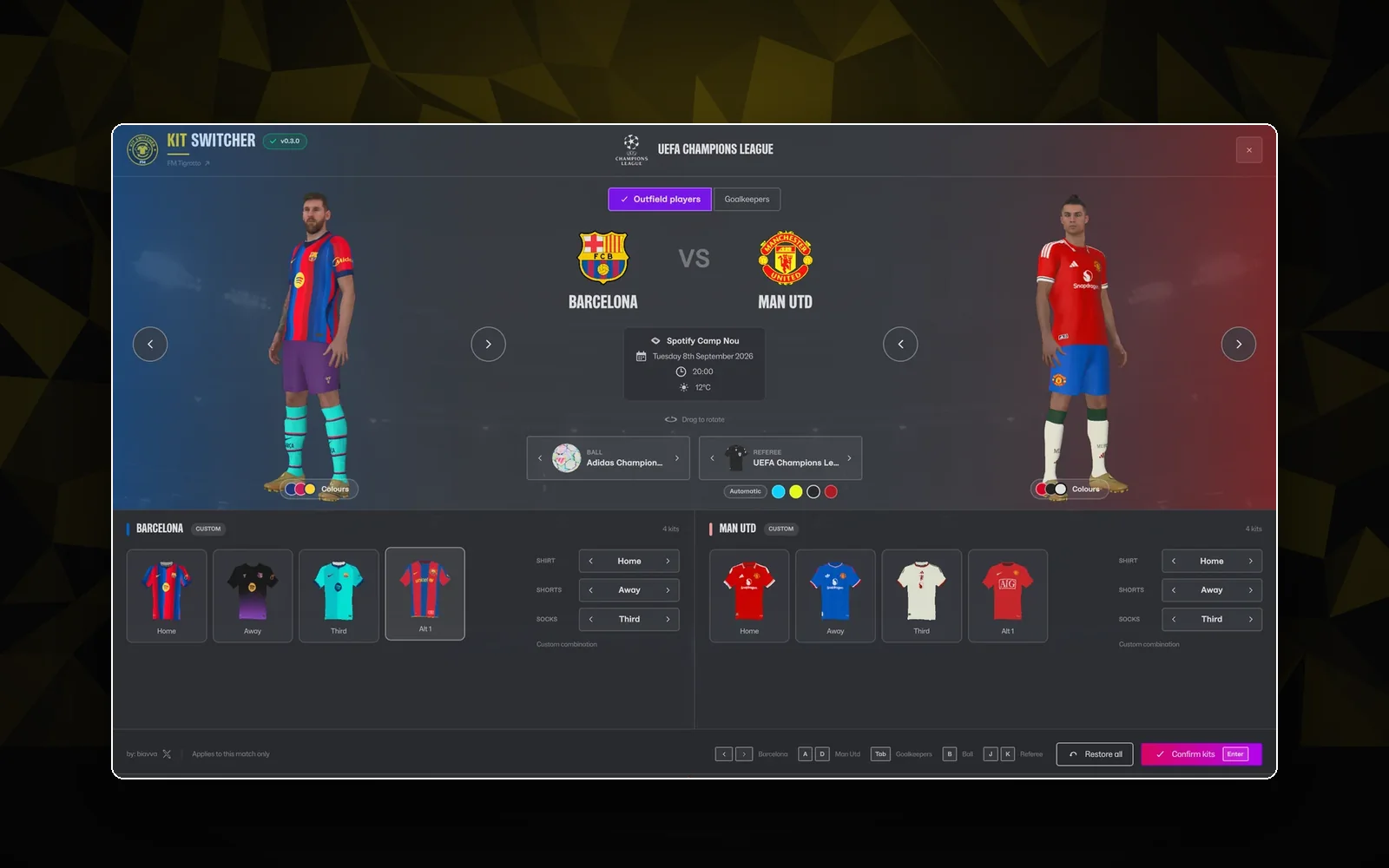
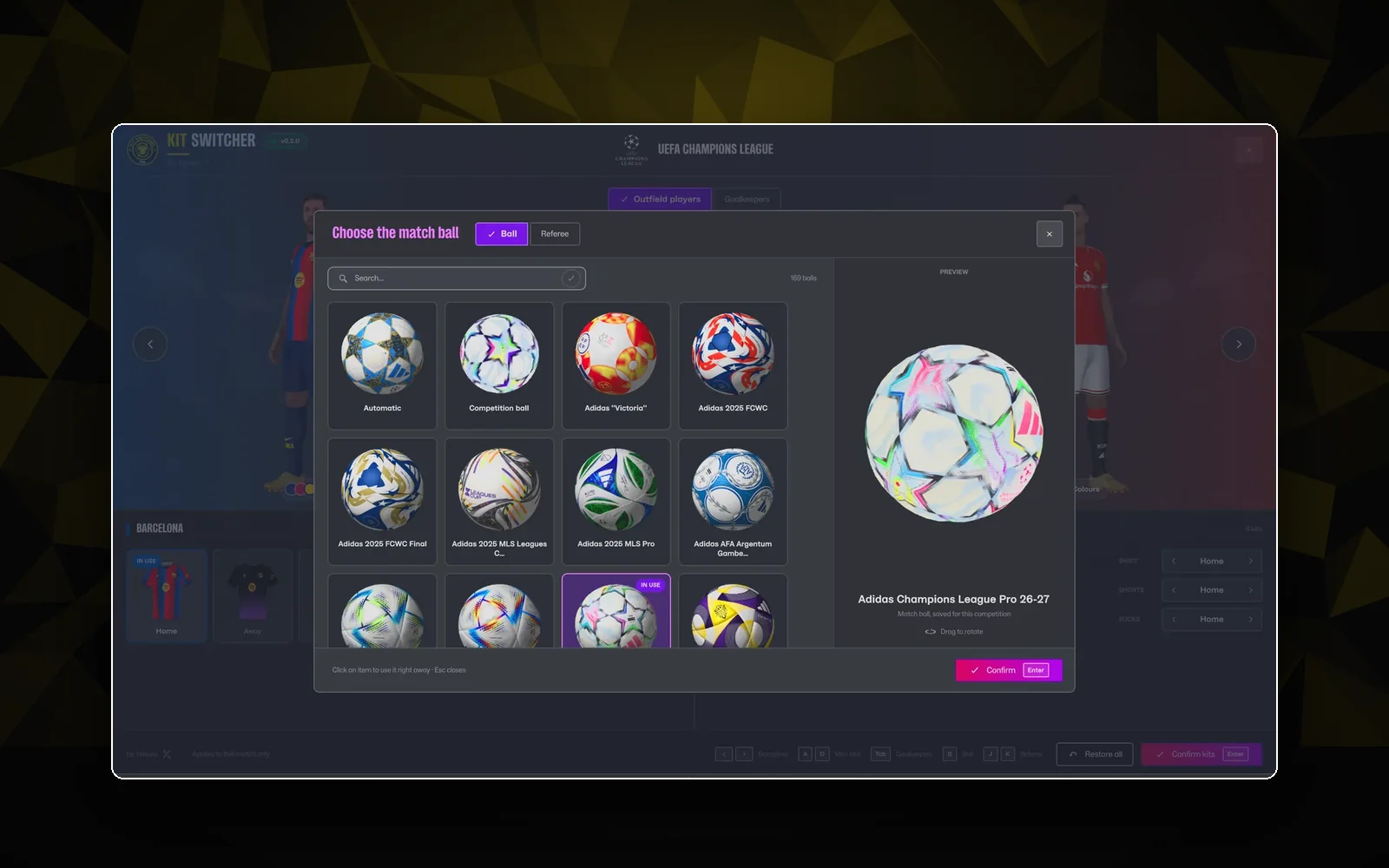
 In-game plugin
 v0.5.0
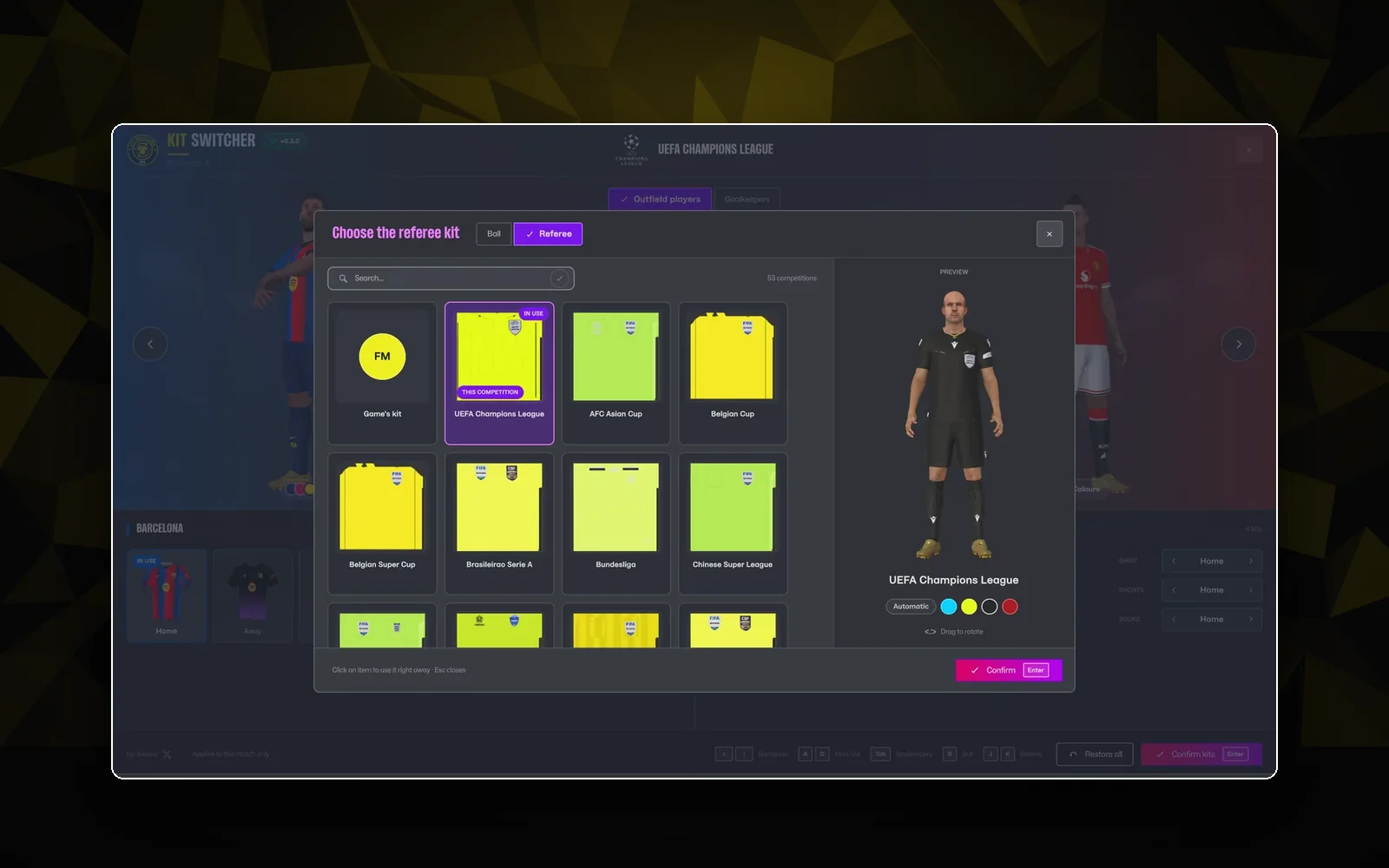
Pick the kits, the match ball and the referee before every game, with a live 3D preview of both teams.