FM TIGROTTOMods & tools for FM27 · FM26CoffeePatreon
Home / Tools / Kits Hub App
v1.5.0 · new look
Desktop app · Windows · FM27 · FM26

Every kit, always up to date.

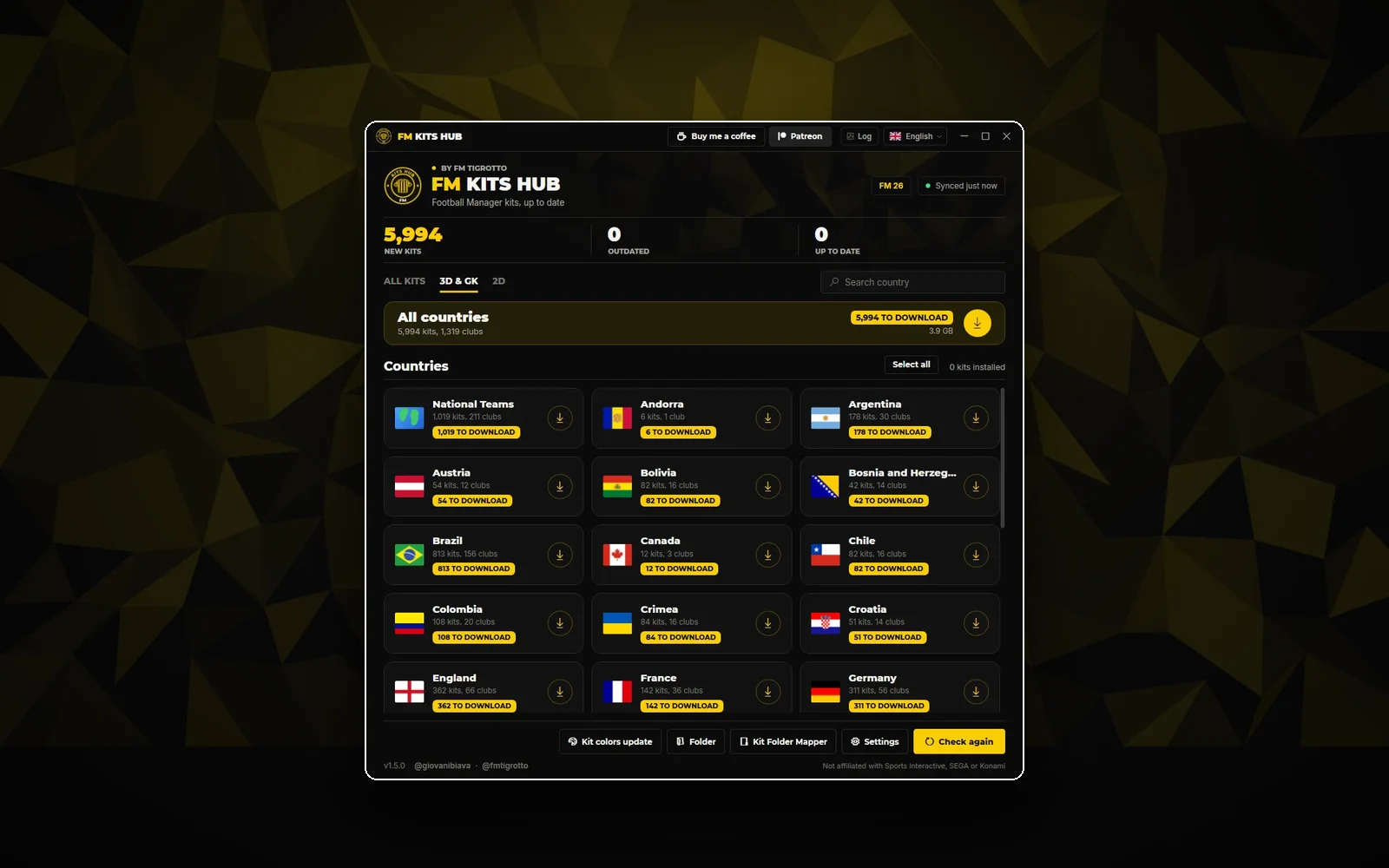
Keep every Football Manager kit organised and up to date without touching a single file. The Kits Hub App checks the catalogue, downloads what is new, builds the config.xml the game needs and can grab a whole country or league in one go.

Free · Windows 10 and 11 · about 65 MB · No installer
9,2502026/27 kits
53complete leagues
1click to update
0files deleted
What it does

Everything runs on your computer.

Automatic syncCompares your folder with the catalogue and shows what is New, Outdated or Up to date, for 3D and 2D.
One-click updatesDownloads only what is missing or changed. Cancel at any time: nothing is left half-written.
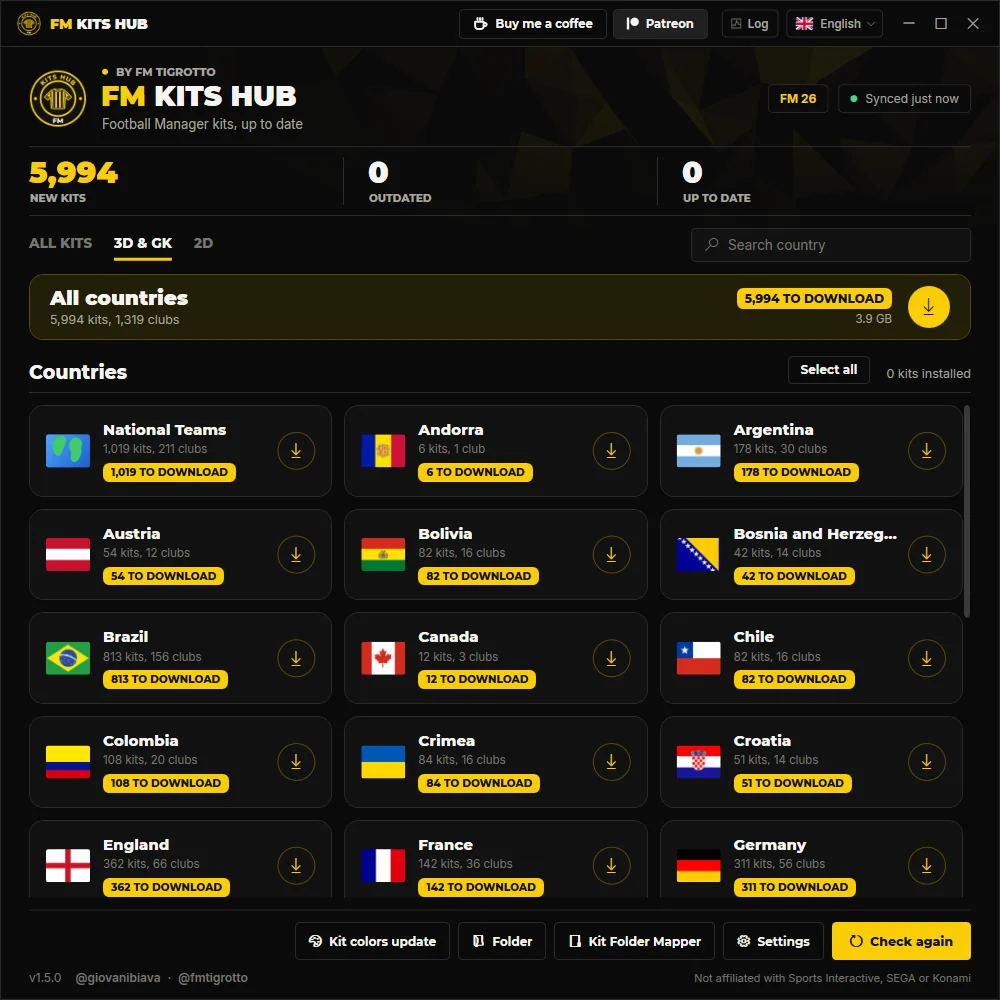
Whole countriesEvery kit of one country at once, with flag, number of kits and its own config.xml.
config.xml for youOne file per club folder, rebuilt from the images that are really there.
Automatic backupsA replaced kit goes to Kits\Leftovers\Replaced first. Nothing is ever deleted.
Signed and verifiedSigned catalogue, SHA-256 checked on every file, writes only inside your Kits folder.
Tidy folders3D, GK and 2D, by country and club, with the same rules as the plugin and the Mapper.
No accountNo sign-up and no personal data sent. Settings and history stay on your PC.
01 · FM27 AND FM26

Pick the game at the top.

The app finds your Football Manager 27 folder and asks once if you want to use it. Switch between FM27 and FM26 at the top of the main screen.

  • Finds your FM27 folder for you
  • One switch at the top of the main screen
  • Each game keeps its own list of installed kits
FM27 and FM26 switch on the main screen
02 · YOUR WAY

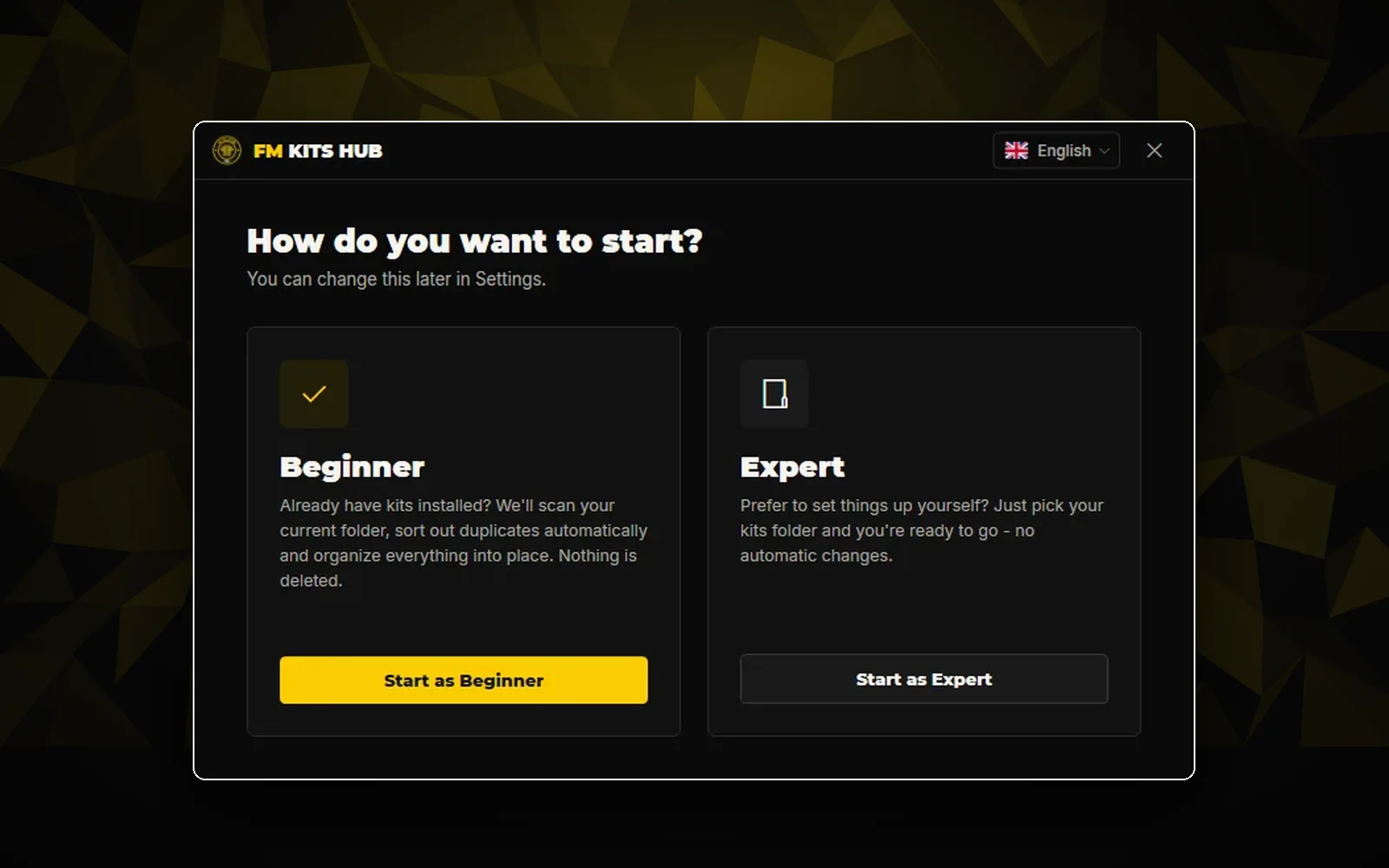
Start as a beginner or an expert.

Beginner scans the kits you already have, sorts out duplicates and puts everything in place. Expert just asks for your Kits folder, with no automatic changes.

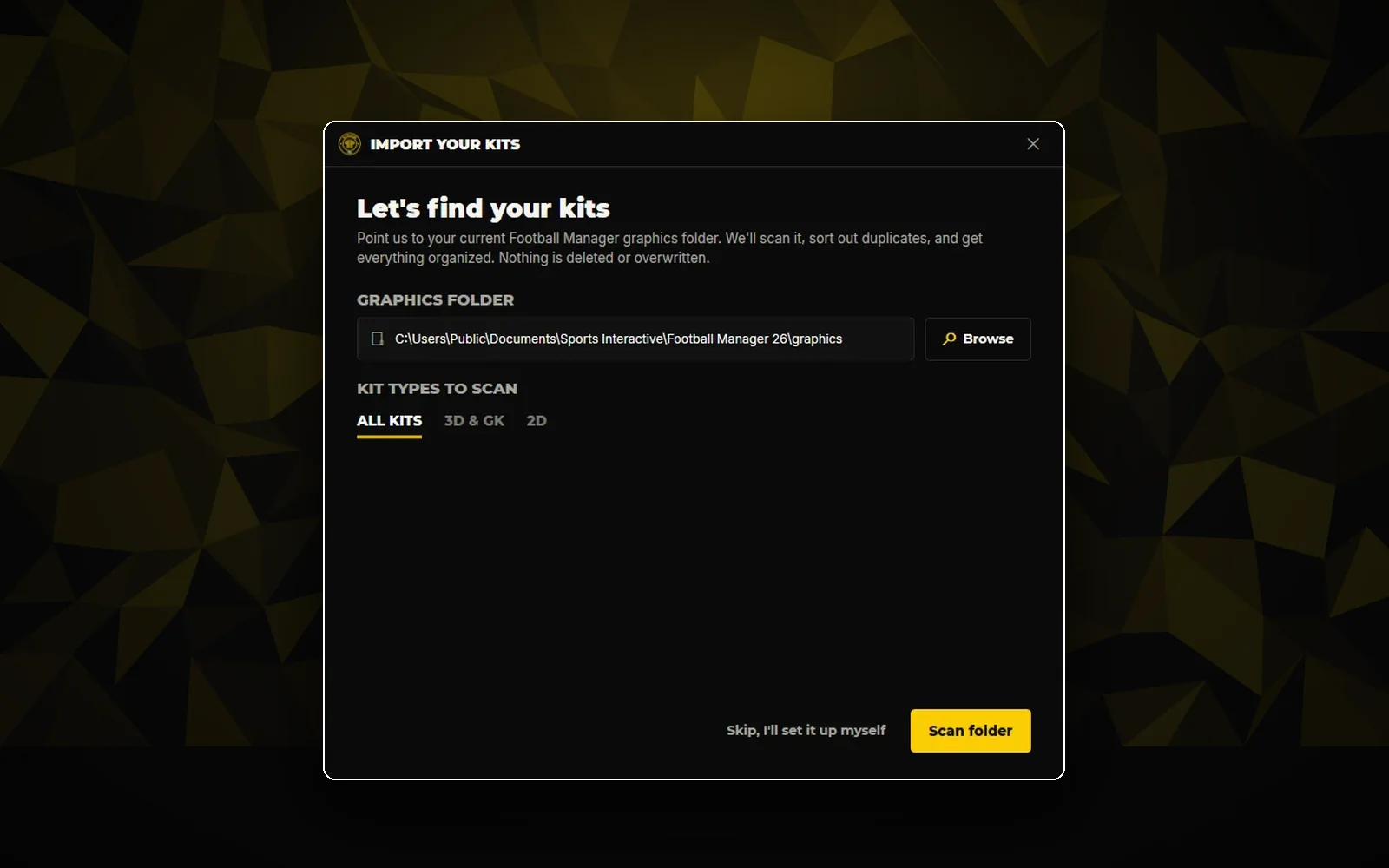
  • Import your kits: scan your current graphics folder
  • Duplicates sorted out, nothing deleted or overwritten
  • Change your choice later in Settings
How do you want to start: Beginner or Expert
03 · SETTINGS

Always the right folder.

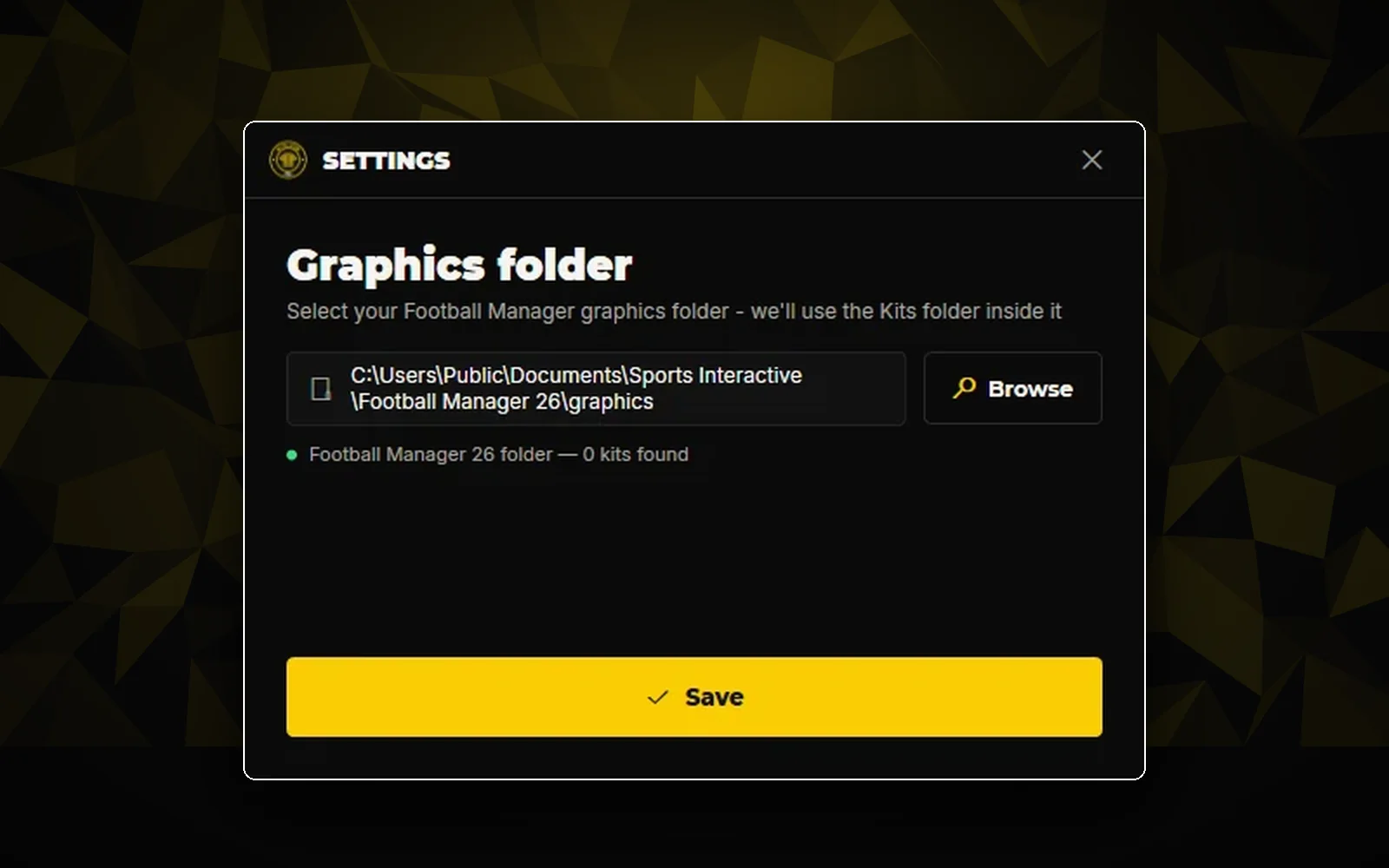
Settings show the full path of your graphics folder and which game it belongs to. If the graphics folder is missing, the app creates it for you.

  • The full folder path, never cut
  • Shows which game the folder belongs to
  • Kits Suite presets and alt folders stay put when your Kits folder is organised
Graphics folder in Settings
04 · KIT COLOURS

Numbers and icons that match.

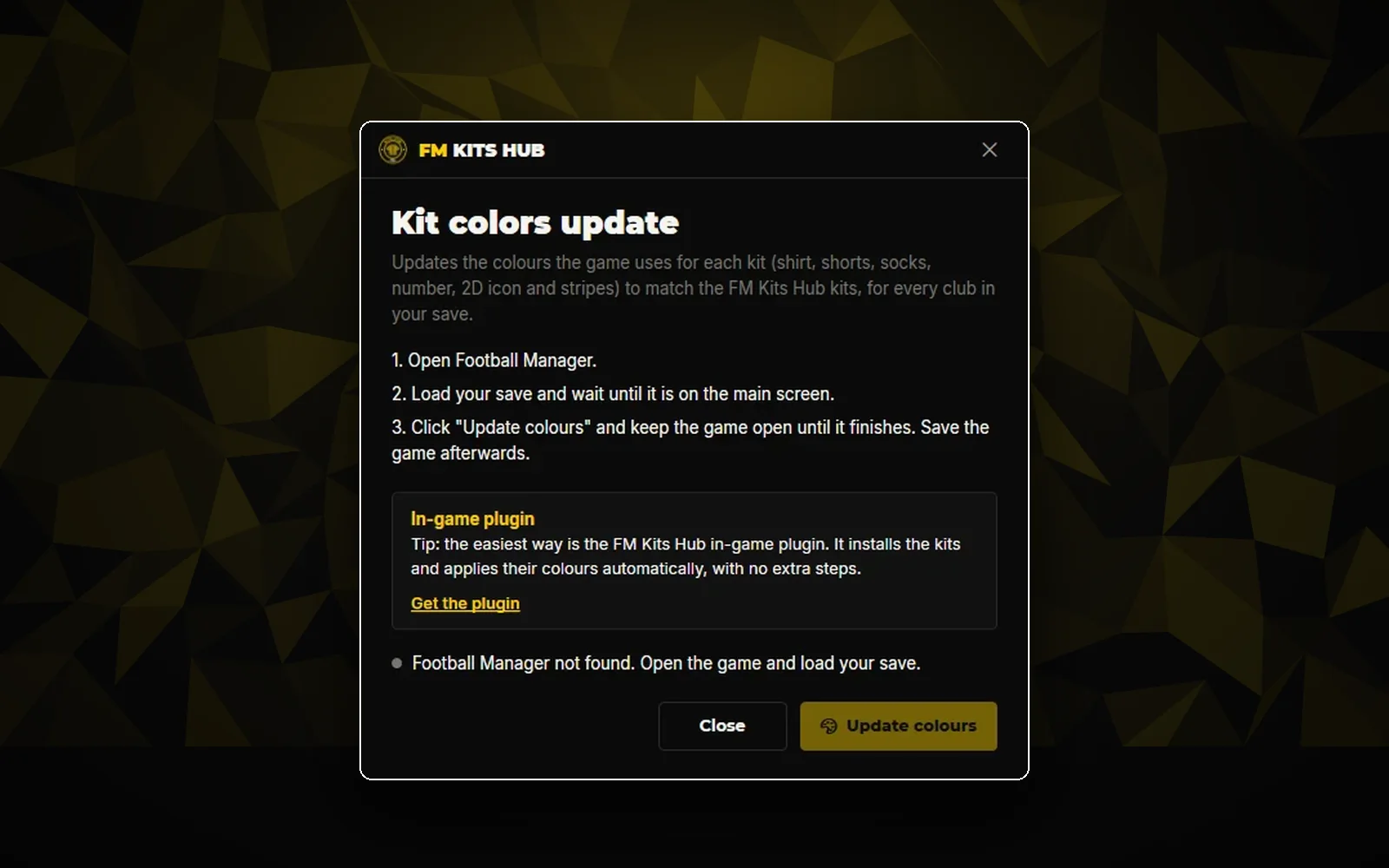
Kit colors update writes the colours of every kit (shirt, shorts, socks, number, 2D icon and stripes) to your save, for every club. It works with FM26 for now; FM27 support comes later, and until then nothing is written to the game.

  • Every club in your save at once
  • Open the game, load your save, click Update colours
  • The In-Game Kits Plugin does it automatically
Kit colors update window
05 · ROOM TO WORK

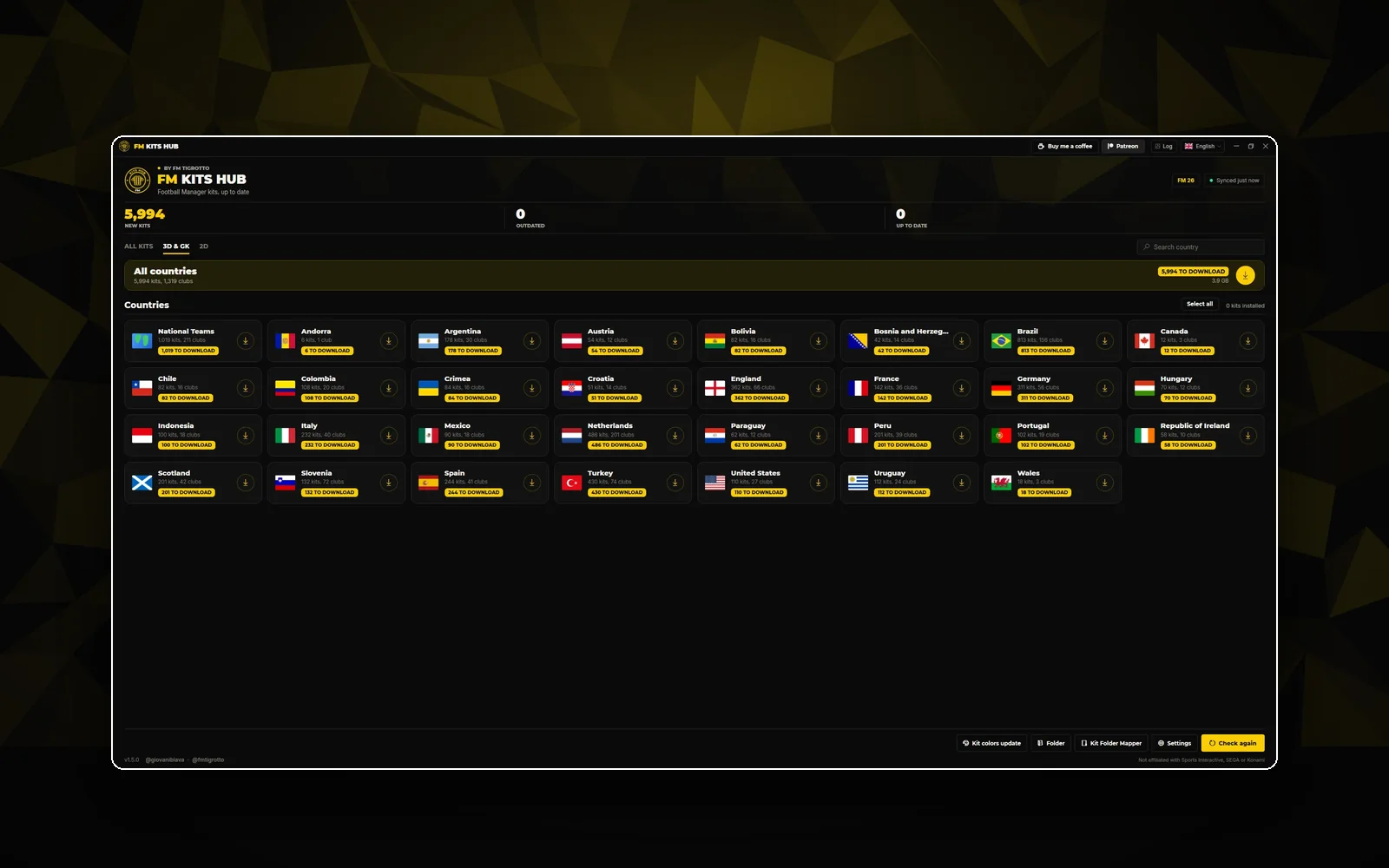
Every country on one screen.

The window can be maximised and remembers how you left it, so the whole catalogue fits at a glance.

  • Maximise the window
  • It opens the way you left it
Maximised Kits Hub App window

How it works

Download

Save the file anywhere you like. No installer.

Pick your graphics folder

The first launch asks for it once.

Press Download updates

Or open Packs to grab a whole country.

The result

  • Kits in Kits\3D, GK and 2D, by country and club, named like 322_home_3d.png.
  • A config.xml in each club folder, so the game finds every kit.
  • Shares the install history with the In-Game Kits Plugin: nothing is downloaded twice.

Requirements

  • Windows 10 or 11, 64-bit
  • Football Manager 27 or FM26
  • Internet connection
  • About 65 MB of disk space (plus your kits)
  • No installer, no .NET to install, no account

Changelog

v1.5.0New look, ready for FM27
  • NEWThe FM Tigrotto design, with a new logo and icon
  • NEWReady for Football Manager 27: the app finds your FM27 folder and asks once if you want to use it
  • NEWSwitch between FM27 and FM26 at the top of the main screen; each game keeps its own list of installed kits
  • NEWThe window can be maximised and remembers how you left it
  • IMPROVEDSettings show the full folder path and which game it belongs to; a missing graphics folder is created for you
  • IMPROVEDKits Suite presets and alt folders are no longer moved when your Kits folder is organised
  • IMPROVEDKit colors update is off for FM27 until it is supported; nothing is written to the game
  • IMPROVEDNew Patreon button and links to fmtigrotto.com and @fmtigrotto; the Browse kits button was removed
v1.3.4Club IDs updated
  • IMPROVEDClub IDs updated
FAQ

Good to know.

Which season are the kits from?

The 2026/27 season. New kits are added during the season and the app picks them up on its own. See the complete leagues.

Windows says “Windows protected your PC”. Is it safe?

The app is not code-signed yet, so Windows SmartScreen may show this notice the first time. Click More info, then Run anyway. To be sure the file is the original, compare its SHA-256 with the one on this page.

Does it work with FM27 and FM26?

Yes. Pick the game at the top of the main screen. Each game keeps its own list of installed kits, so they never get mixed up.

Can I undo an update?

Every kit it replaces is first moved to Kits\Leftovers\Replaced, in the same country and club folder. To go back, copy the old file over the new one.

How do I uninstall it?

Delete the .exe. To remove its data too, delete %AppData%\FM Kits Hub. Your kits stay where they are.

Better together

Complete the matchday.

All tools
In-game plugin
v1.1.4

In-Game Kits Plugin

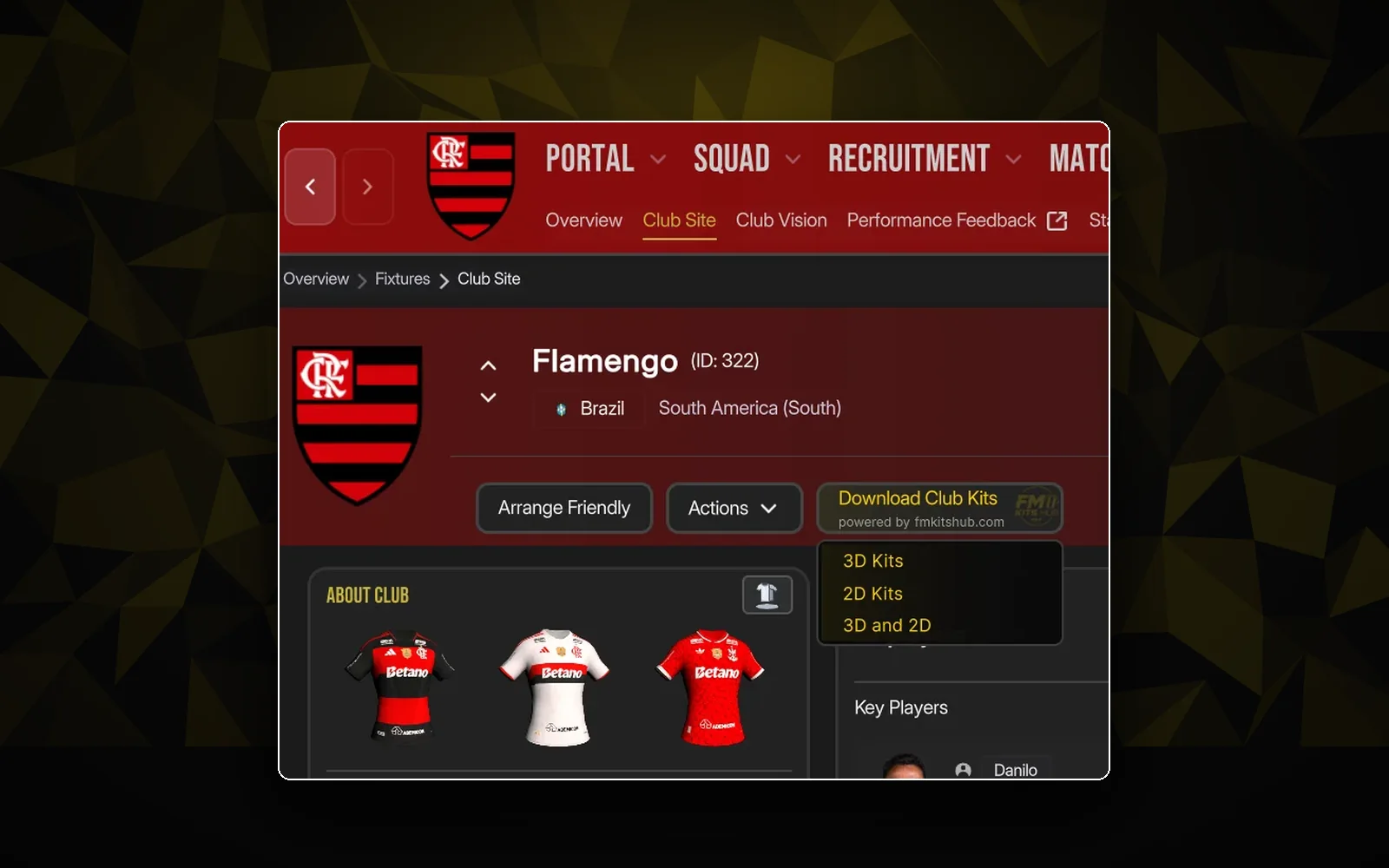
"Download kits" buttons right on the club, league and country screens. Pick 3D, 2D or both, and play.
Club, league, country3D and 2DAuto-updateNeeds BepInEx 6 ↗
Free downloadOpen
In-game plugin
v0.2.2

FM Kit Switcher

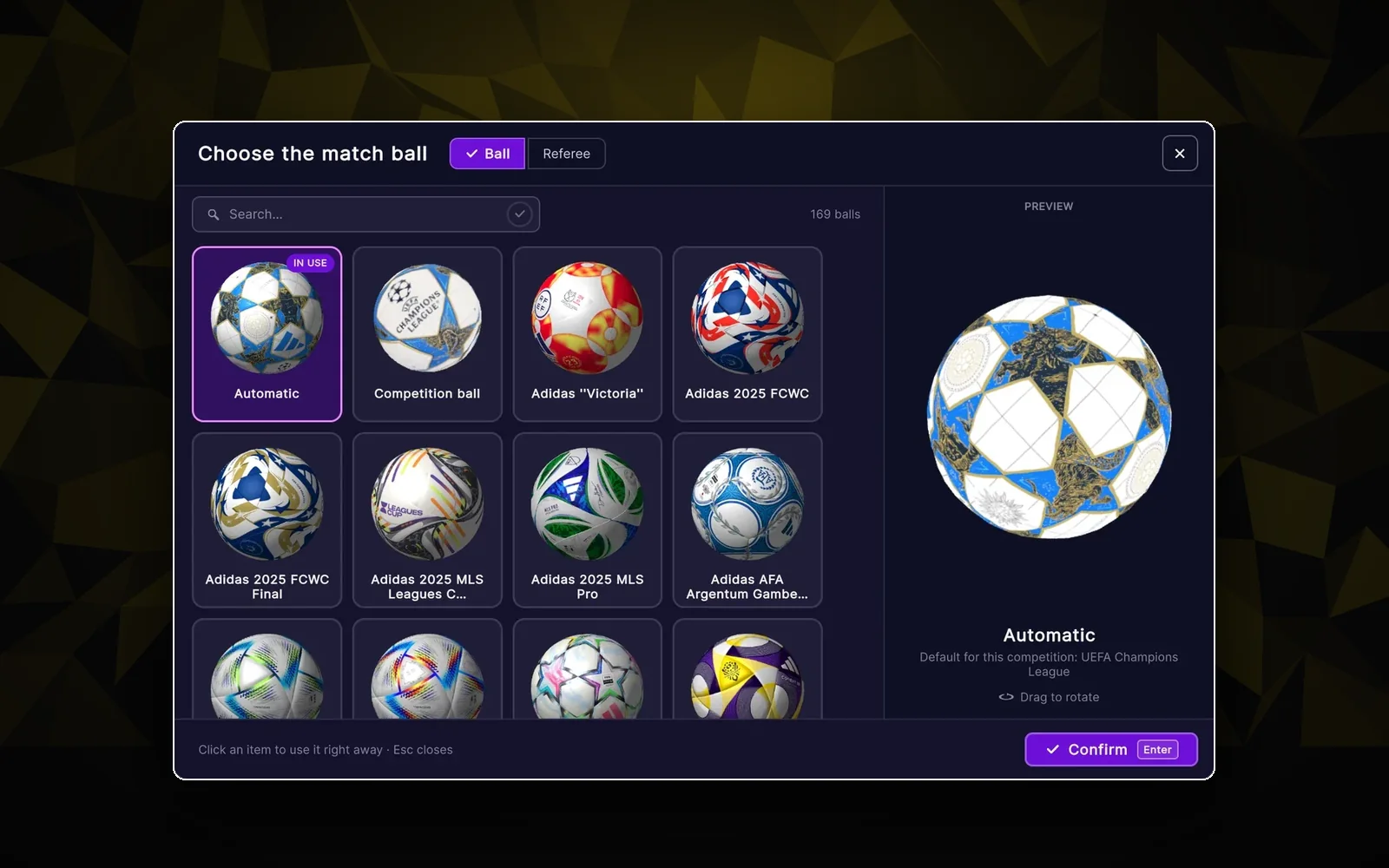
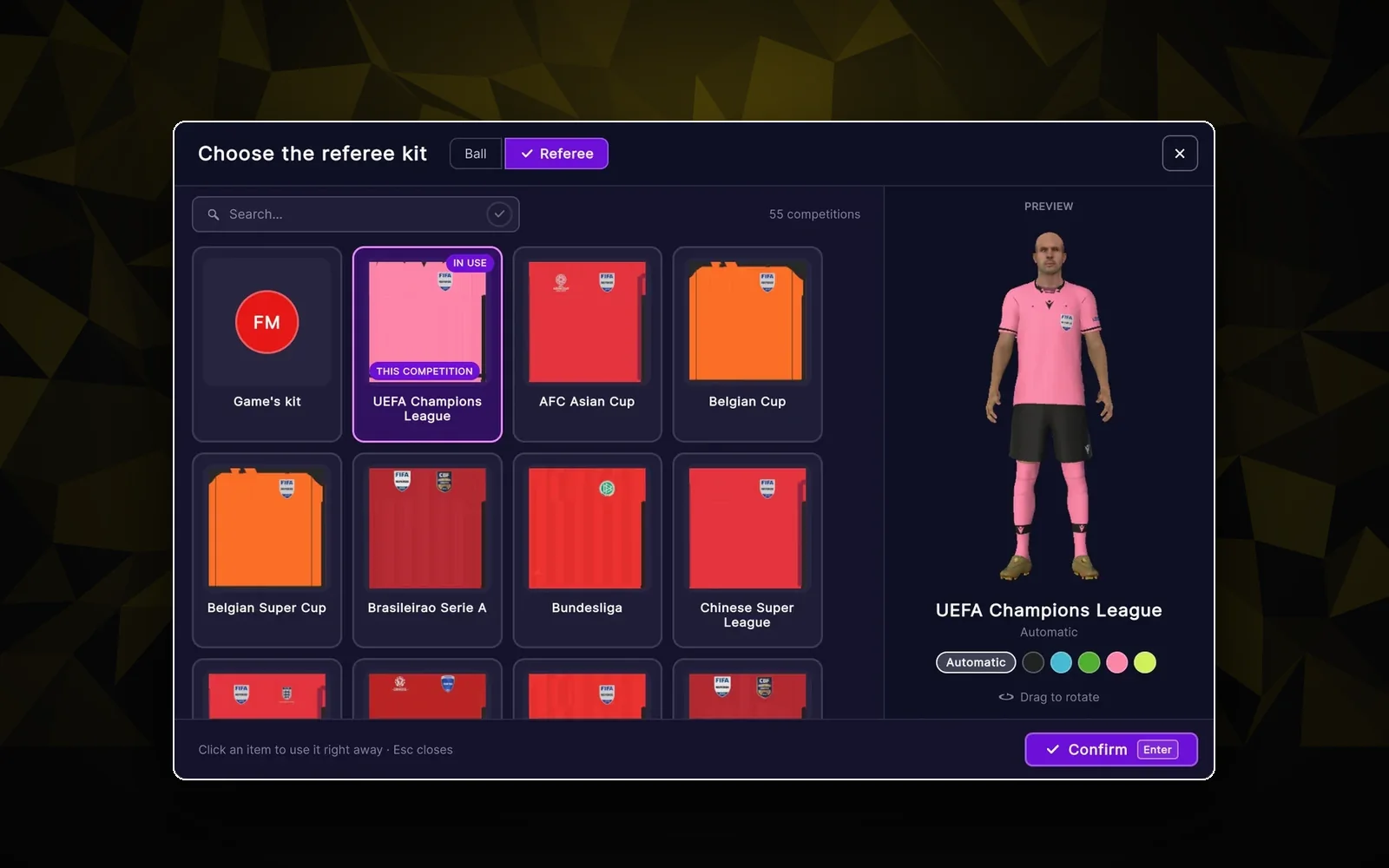
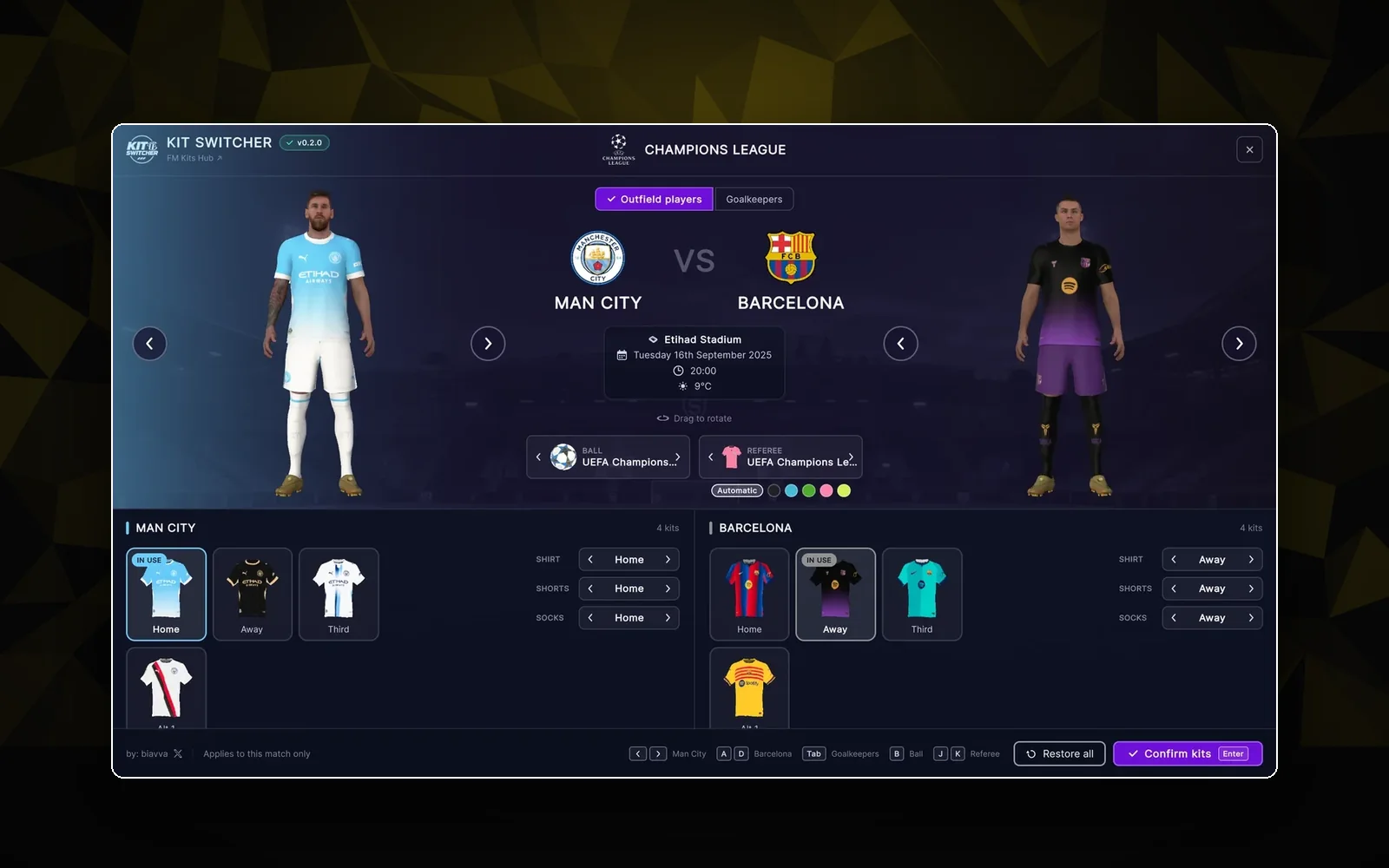
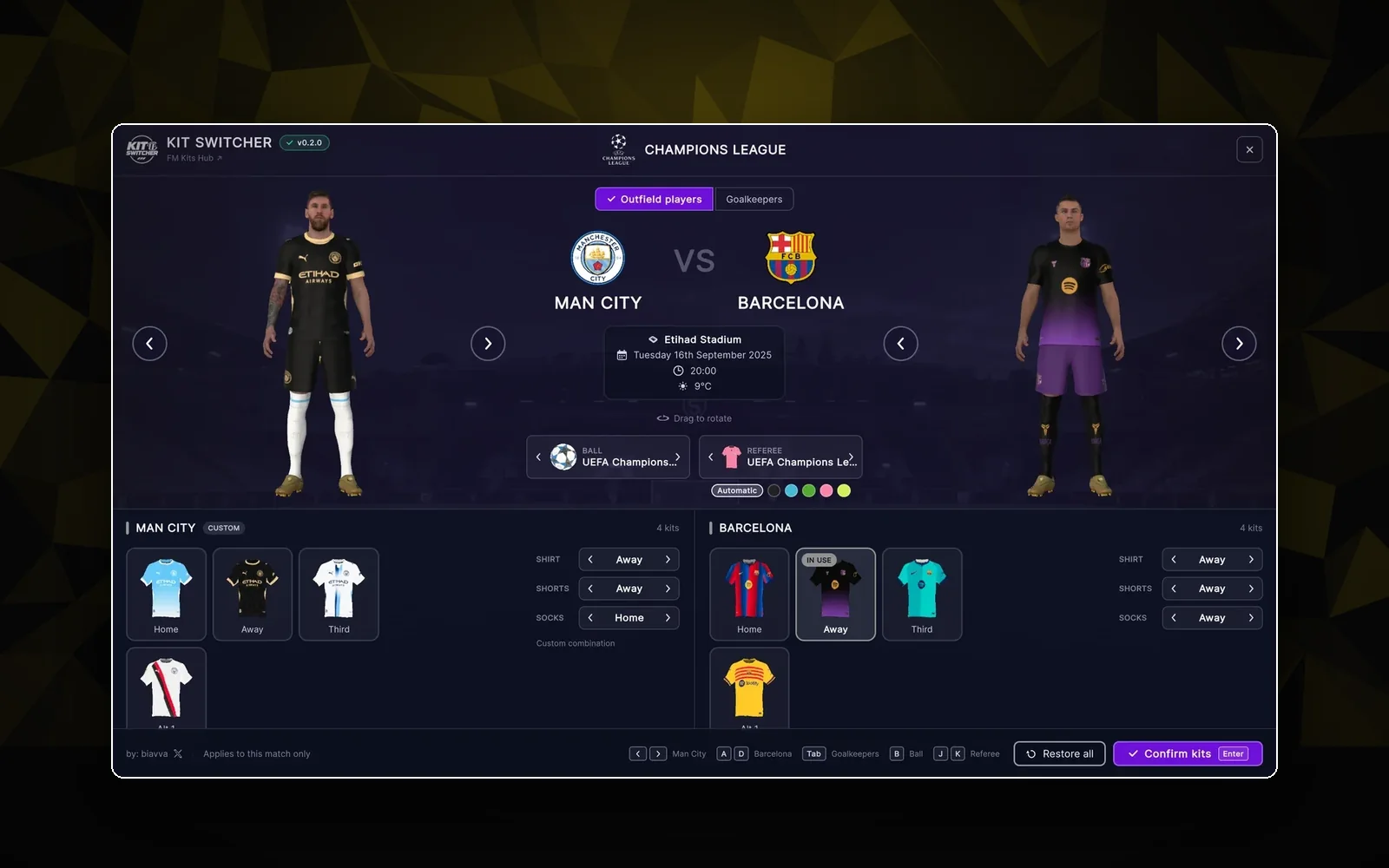
Pick the kits, the match ball and the referee before every game, with a live 3D preview of both teams.
3D previewBalls & refereesStandaloneNeeds BepInEx 6 ↗
Free downloadOpen
Desktop app
v1.2.1

Kit Folder Mapper

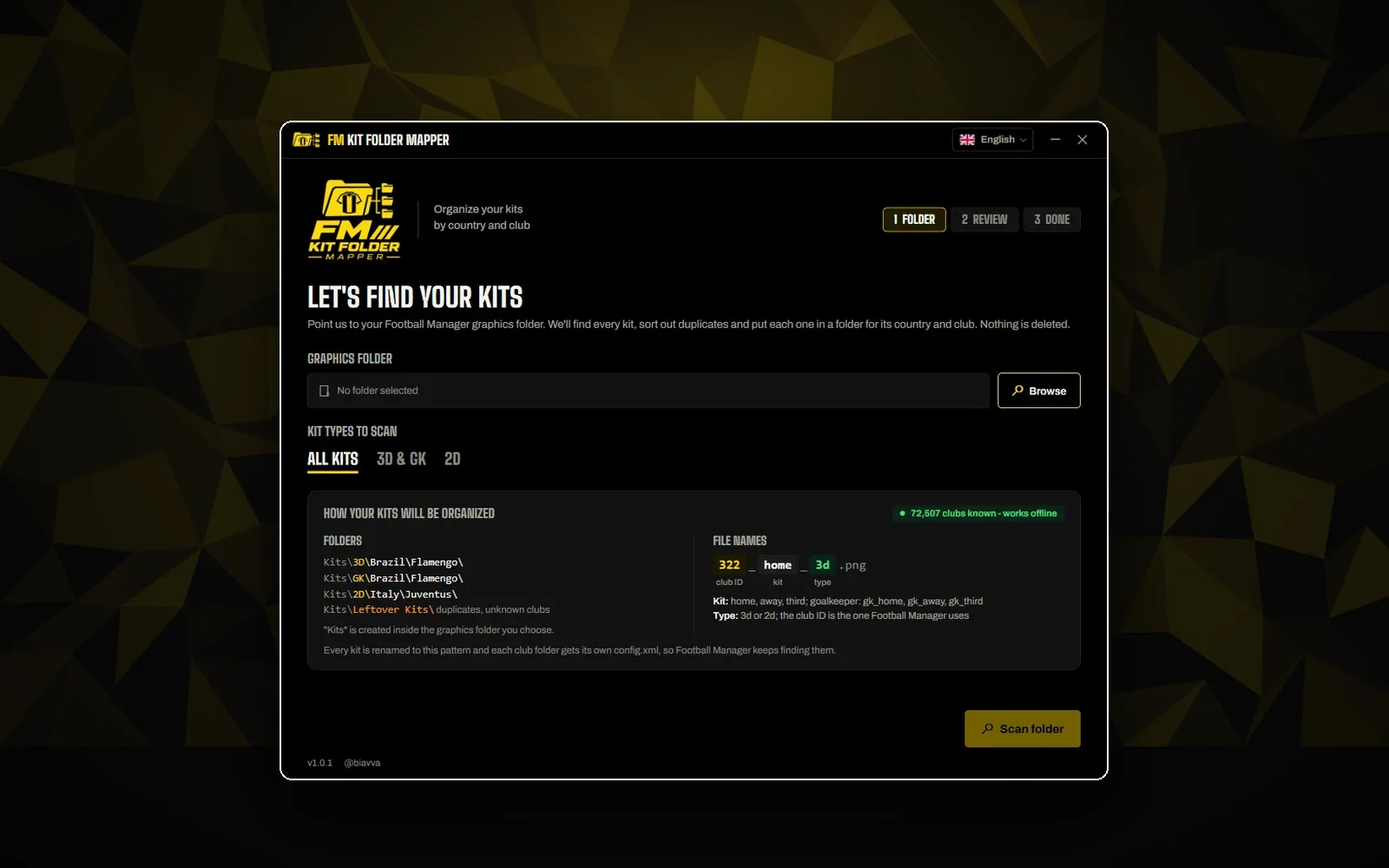
Years of kit packs in one messy folder? Sorts every kit into country / club folders, duplicates side by side.

Country / club foldersUndoOffline
Free downloadOpen