FM TIGROTTOMods & tools for FM27 · FM26CoffeePatreon
Home / Tools / Kit Folder Mapper
v1.2.1
Desktop app · Windows · FM27

Organise your kits by country and club.

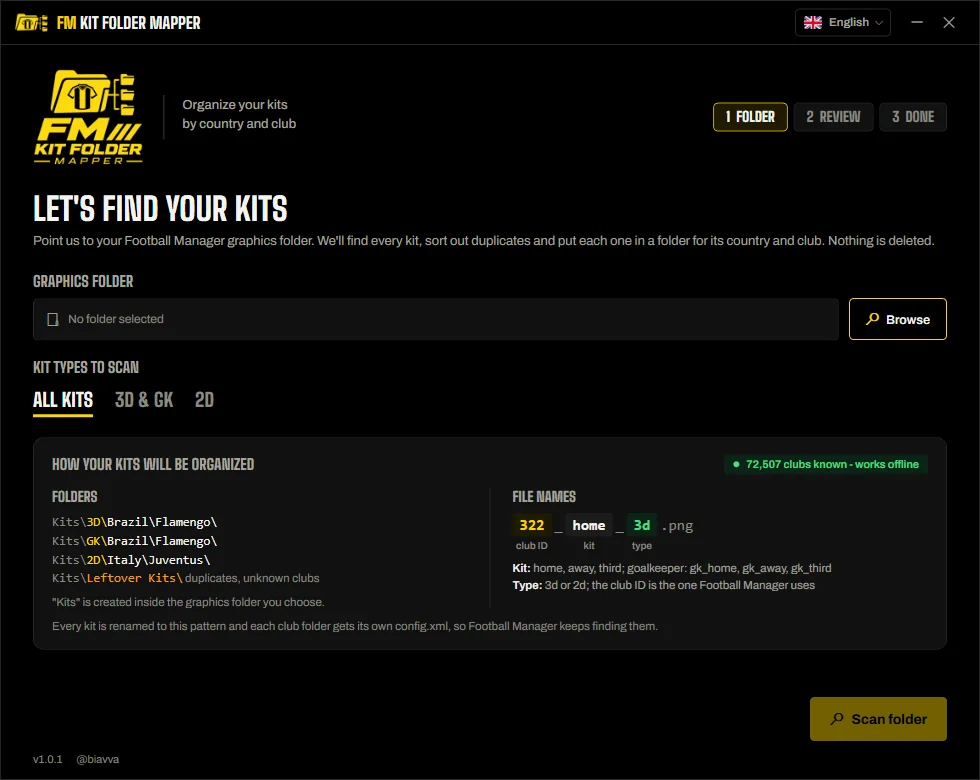
Years of kit packs end up as one big mess inside the graphics folder: the same kit three times, odd file names, no idea what is what. Kit Folder Mapper finds every kit, lets you settle the duplicates and puts each one in its own country and club folder, with the config.xml the game needs.

Free · Windows 10 and 11 · about 70 MB · No installer

Kit Folder Mapper window
70,000+clubs known offline
Side by sideduplicate comparator
Undonothing is deleted
0internet needed
What it does

Everything runs on your computer.

Finds every kitReads every config.xml in your graphics folder, from any pack or creator, to work out which club and kit each image is.
Duplicates, side by sideKeeps the newest by default; the comparator shows every copy with preview, date, size and pixels.
Country / club foldersEverything moves into Kits\3D, GK and 2D, then Country\Club, renamed like 322_home_3d.png.
A config.xml per clubEach club folder gets its own config.xml, so the game keeps finding every kit.
Nothing is deletedKits not chosen go to Kits\Leftovers; old config.xml files become config.old.xml.
Works offlineThe list of 70,000+ clubs is built in, with each club's name and country.
Speaks your languageSix languages, with the words Football Manager players actually use.
Updates itselfA banner when a new version is out; every update is signed and verified.

How it works

Choose your graphics folder

Or any folder with kit packs, and pick which kit types to scan.

Review what was found

Kits, duplicates and unknown clubs. Open the comparator on any duplicate.

Organize

Press Organize my kits. Everything goes into the Kits folder by country and club.

The result

  • Files named club ID_kit_type.png, e.g. 322_home_3d.png or 322_gk_away_3d.png.
  • The Kits folder is created inside the graphics folder you choose.
  • Clubs with the same name in the same country get their ID in the folder name, so they never mix.

Requirements

  • Windows 10 or 11, 64-bit
  • Football Manager kits set up with a config.xml
  • About 70 MB of disk space
  • No installer, no account, no internet
FAQ

Good to know.

Does it delete any of my files?

No. It only moves files. Kits not chosen, files that are not kits and old config.xml files all go to Kits\Leftovers.

Which kits does it find?

Kits already set up for the game (in a config.xml anywhere in the graphics folder), plus files named like 322_home_3d.png inside Kits.

Do I need the Kits Hub App?

No, they are independent. The Mapper tidies the kits you already have, from any source; the Kits Hub App installs the catalogue.

Will it work with FM27?

It will be checked on FM27 after launch. What changes with FM27.

How do I uninstall it?

Delete the .exe. Your organised kits stay where they are.

Better together

Complete the matchday.

All tools
Desktop app
v2.2.0

XML Configurator

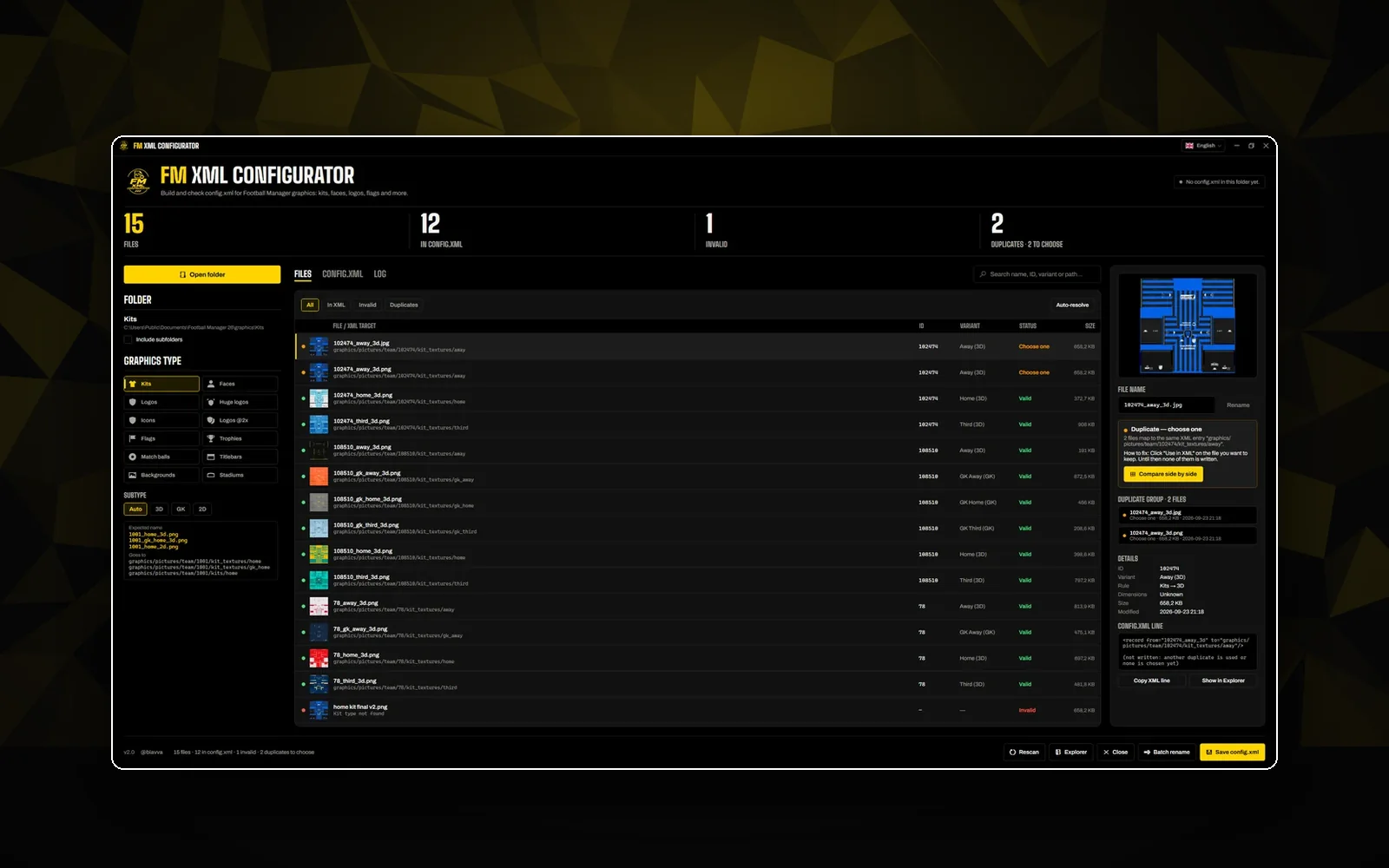
Graphics not showing up? Checks every file name against FM's rules, explains what's wrong and writes a clean config.xml.

Every graphics typeBatch rename
Free downloadOpen
Desktop app
v1.5.0

Kits Hub App

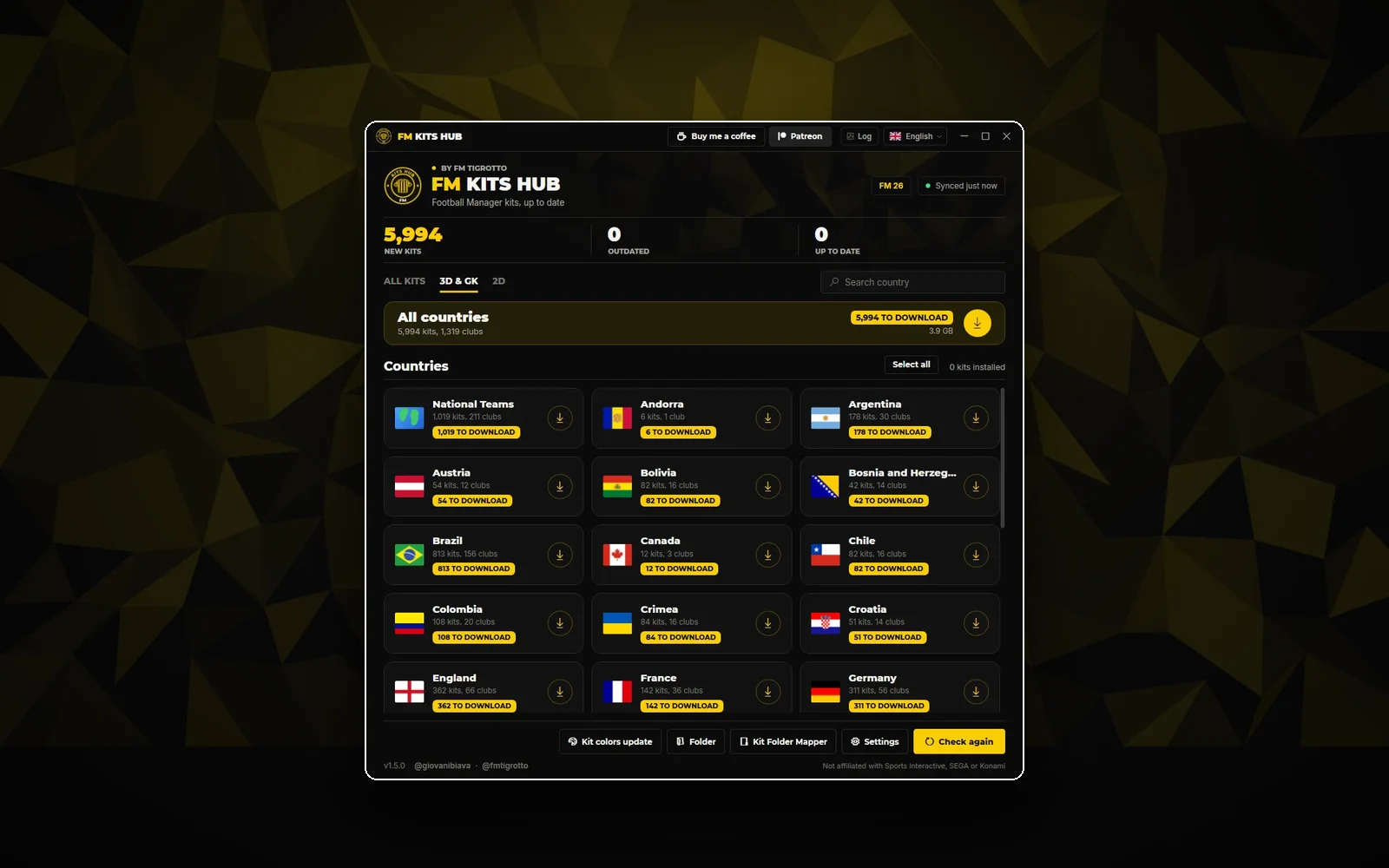
The kit catalogue on your desktop: 2026/27 kits from 28 countries, installed and kept up to date in one click.
2026/27 kitsAuto-updatesWhole countries
Free downloadOpen
Converter
v1.3.2

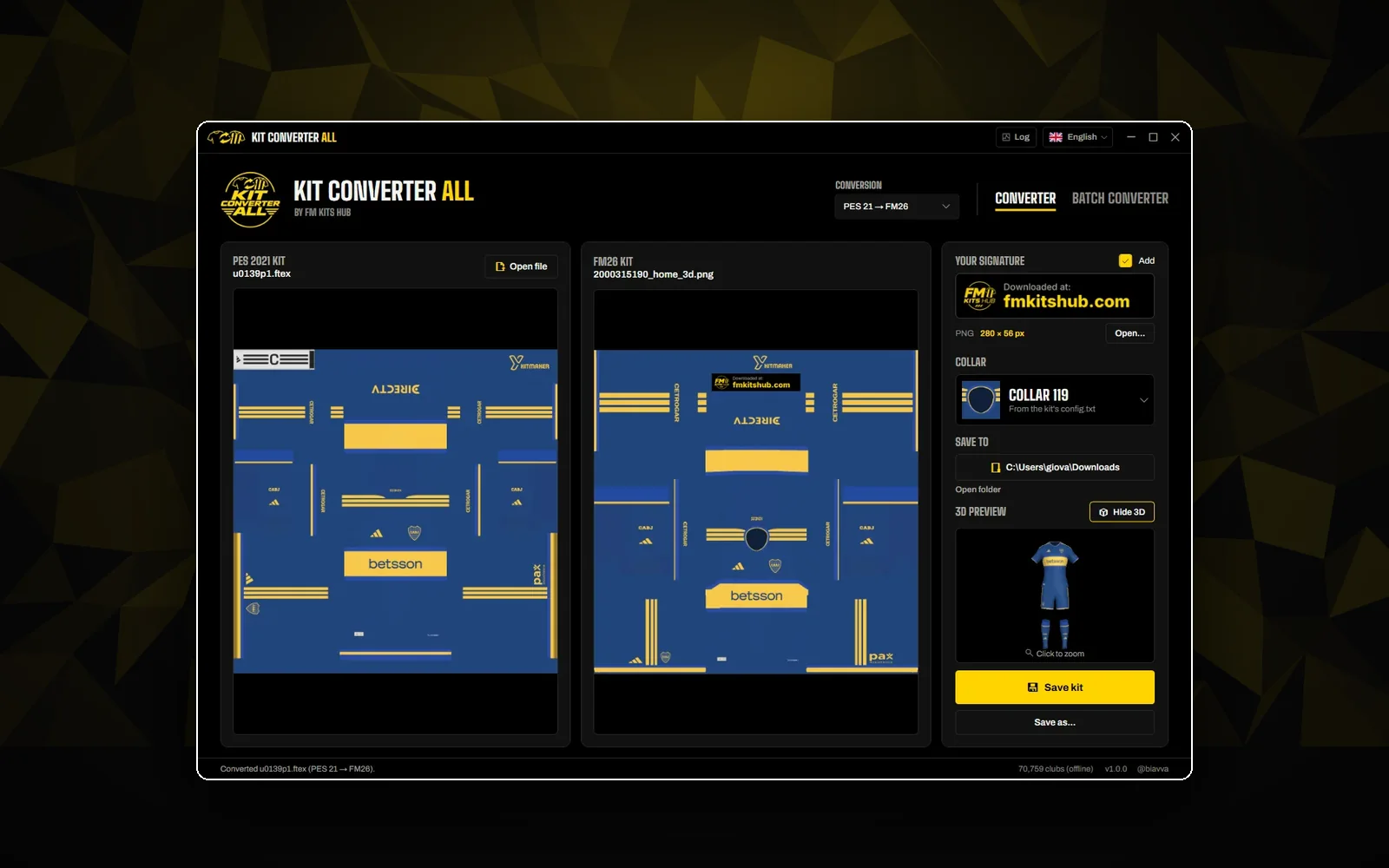
Kit Converter All

Thousands of PES 2021 kits, re-mapped to the FM27 3D template. Finds the club and the collar, previews in 3D.

PES 2021 → FM27Whole leagues3D preview
Free downloadOpen